Shelfmint marketplace
Shelfmint is an end-to-end, fully managed B2B food and beverage marketplace: an online distribution platform that uses mobile and blockchain technologies to optimize the product distribution lifecycle and help customers easily access a community of emerging local and healthy brands.
Most small food brands never reach the shelf. Distributors take a big share of the price and prefer large, proven labels, so stores end up stocking the same products everywhere.
Starting point. Shelfmint set out to remove the middleman: brands sell straight to retailers, retailers get more variety, and both keep a better margin. The design had to make that direct relationship feel as easy as calling one distributor: one catalog, one cart, one checkout, even when the order comes from twenty different brands.
Brand dashboard
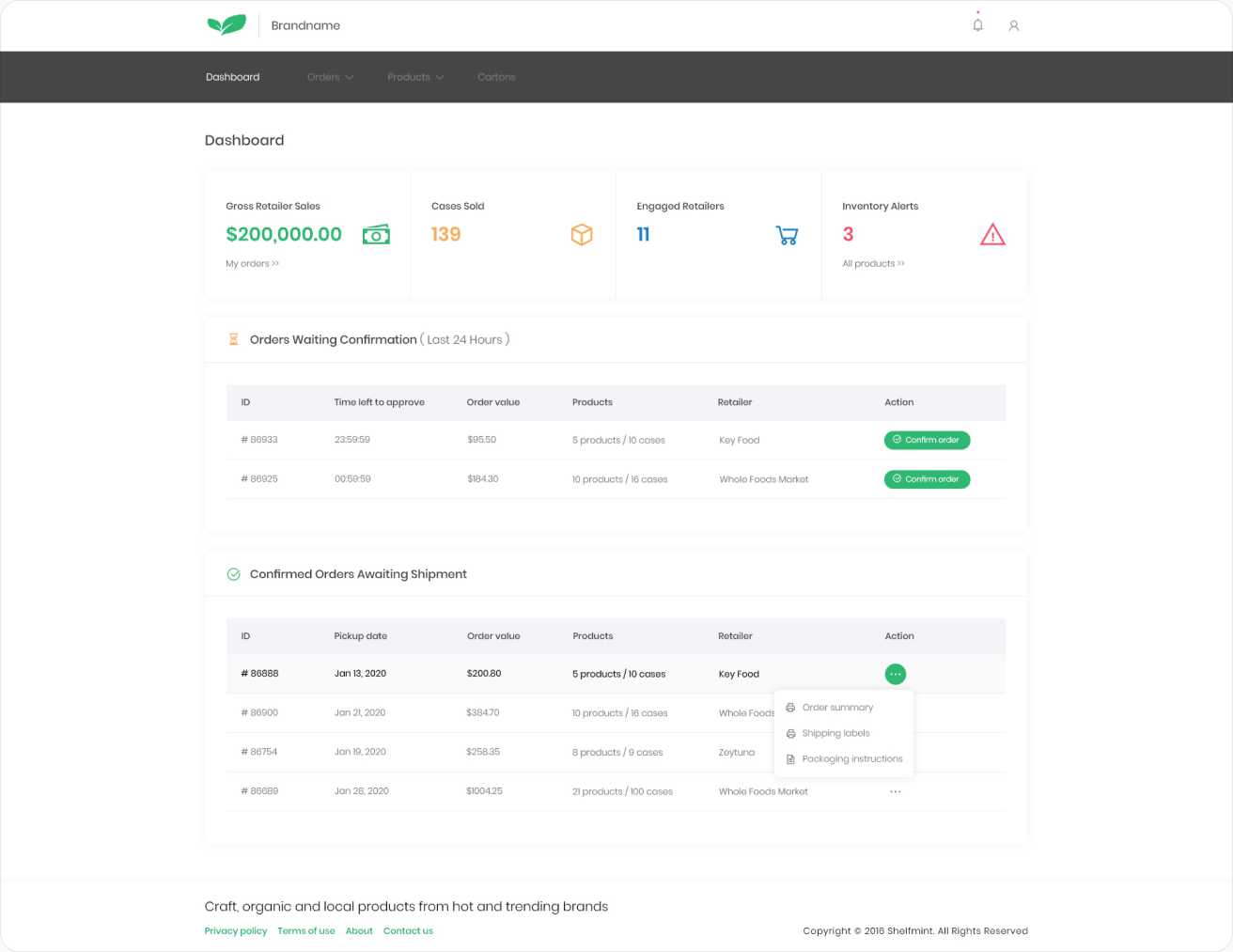
Shelfmint has two sides. Retailers shop, and brands sell. The brand side is a dashboard where a small producer runs the whole wholesale business: products, incoming orders, deliveries and the paperwork that goes with every box.
Brand dashboard. The first screen after sign-in answers one question: how is the business doing? Four numbers across the top (gross sales, cases sold, engaged retailers and incoming orders), then two tables: orders waiting for confirmation, and confirmed orders waiting to ship.
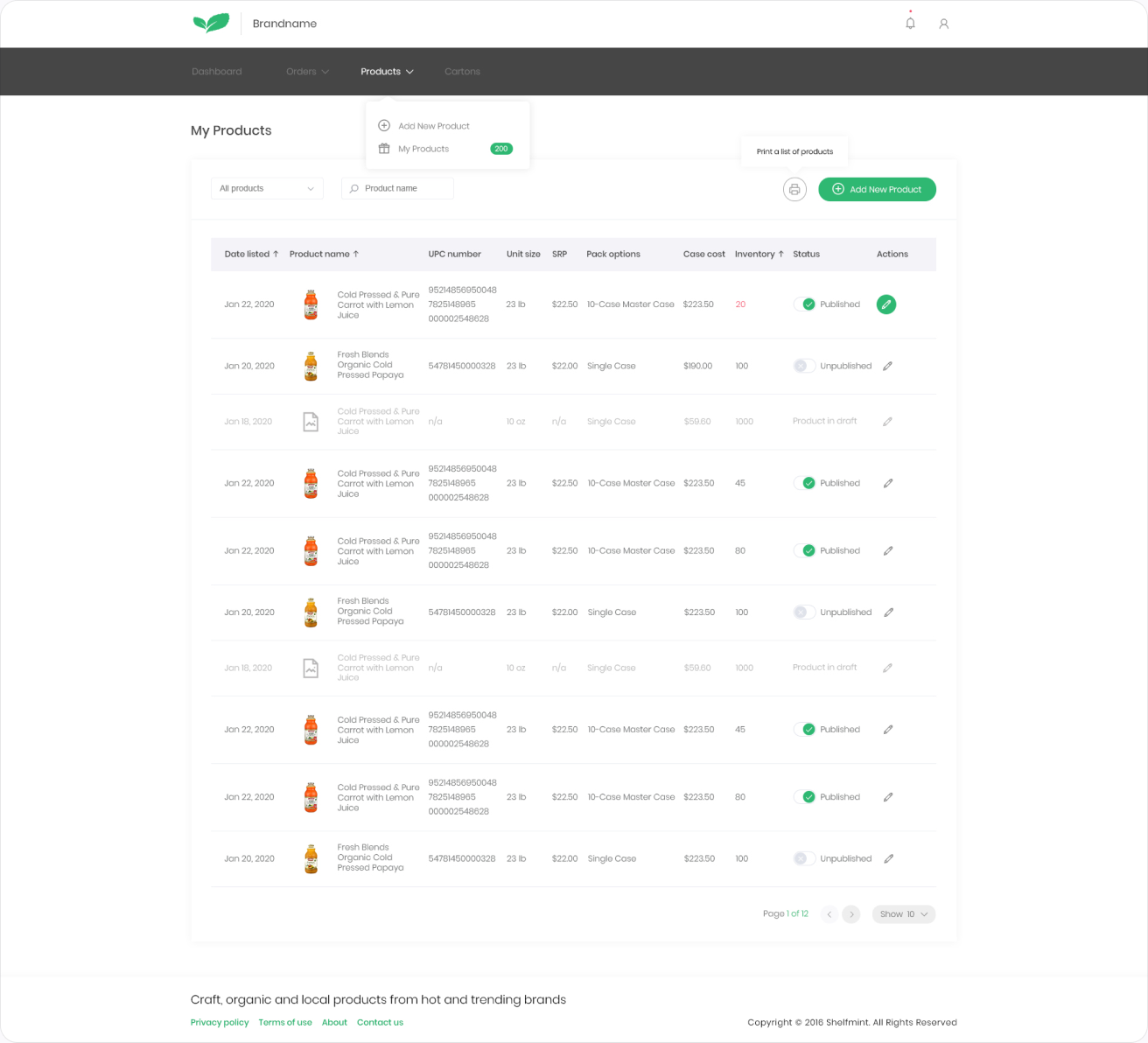
My products. The full range in one table: case size, wholesale price, suggested retail price, stock and status. Brands can edit a price or pause a product without leaving the list.
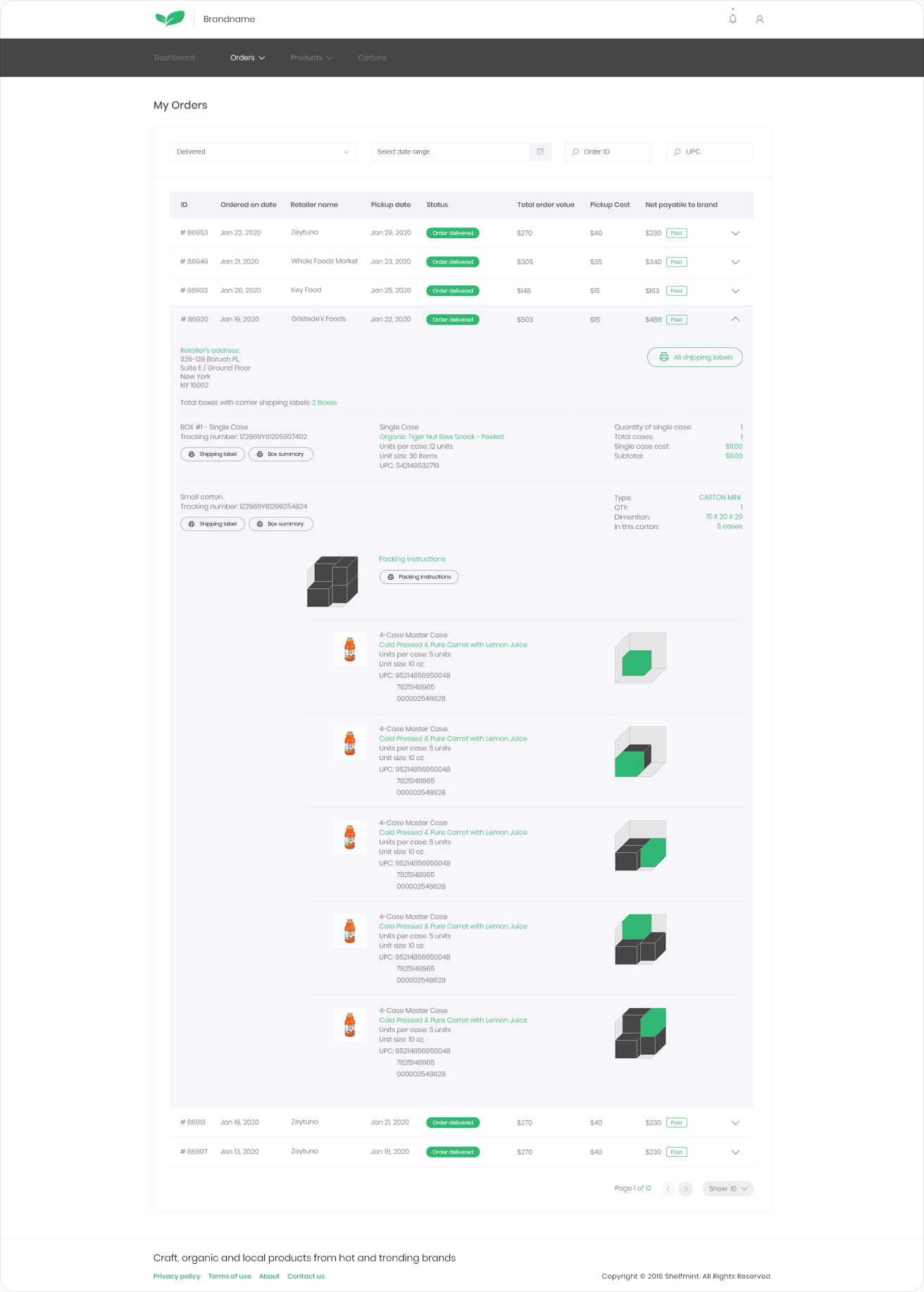
My orders. Incoming orders from retailers, grouped by status. New orders sit at the top with clear accept and decline actions, so nothing waits in an inbox.
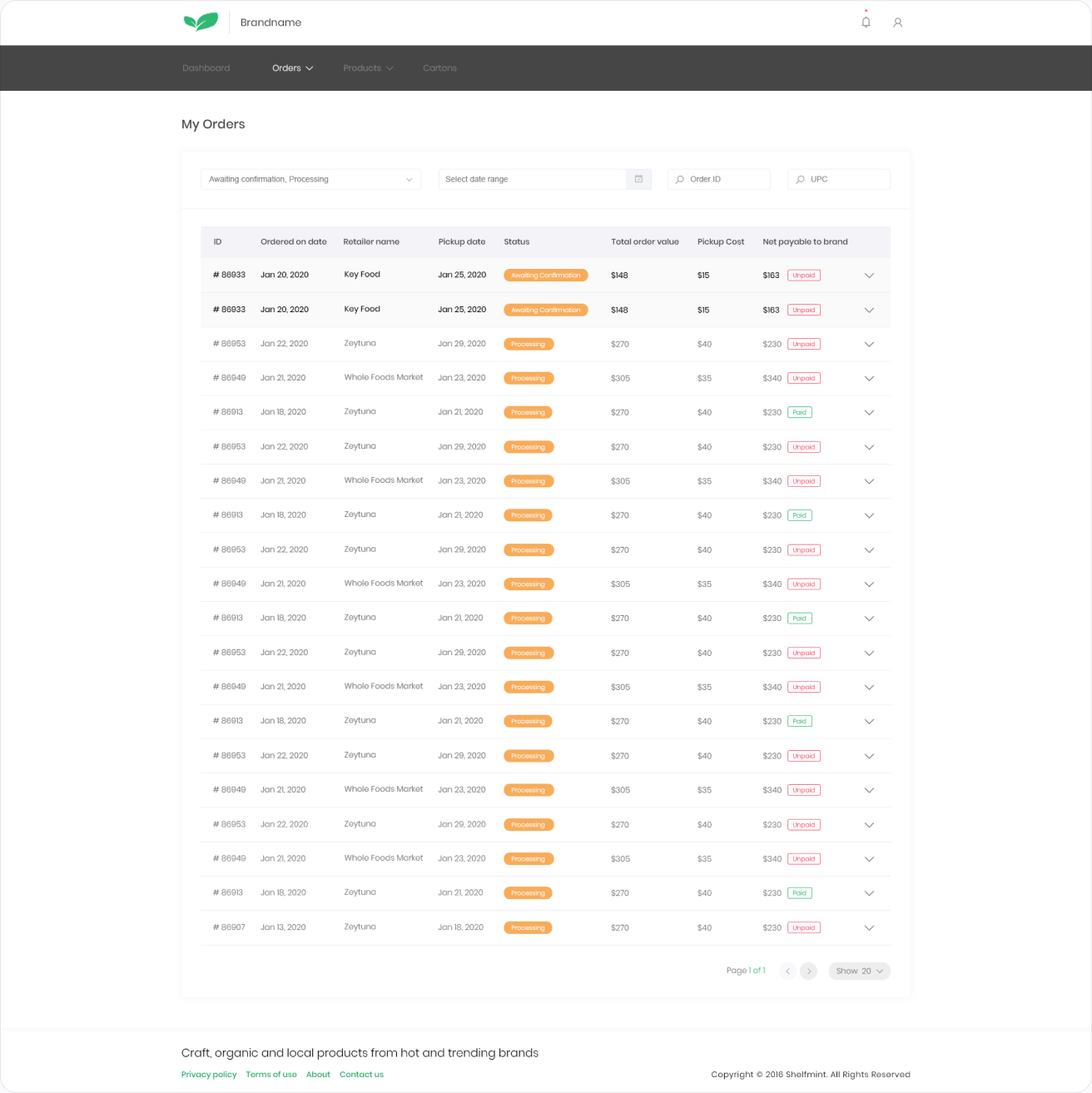
Delivered orders. Any order opens in place to show the retailer, delivery address, totals and every line item, with a box icon for each product so the brand can see exactly what was packed and shipped.
Products in context. With the full catalog in view, the same product table scales from a handful of products to a full range without changing how it works.
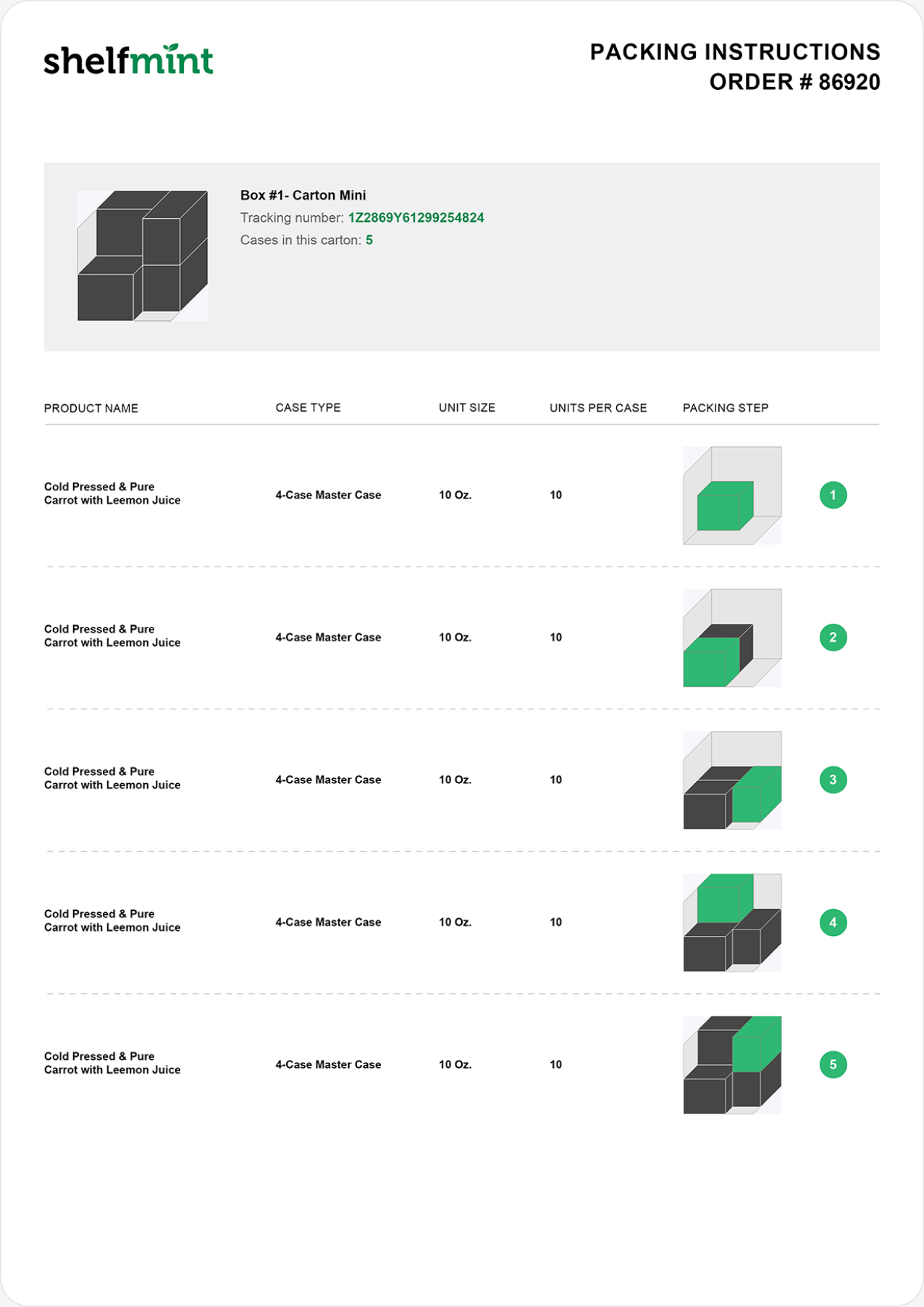
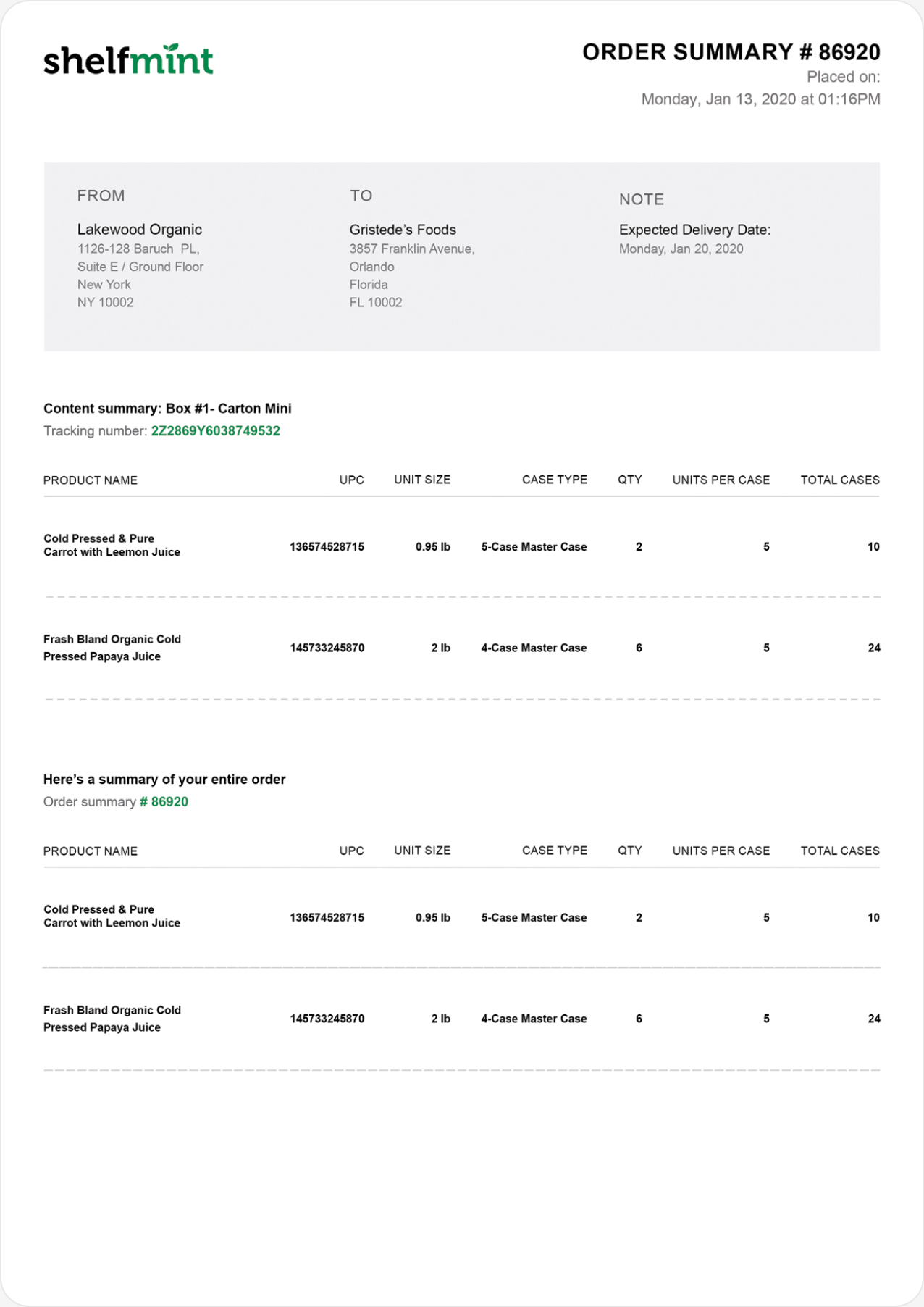
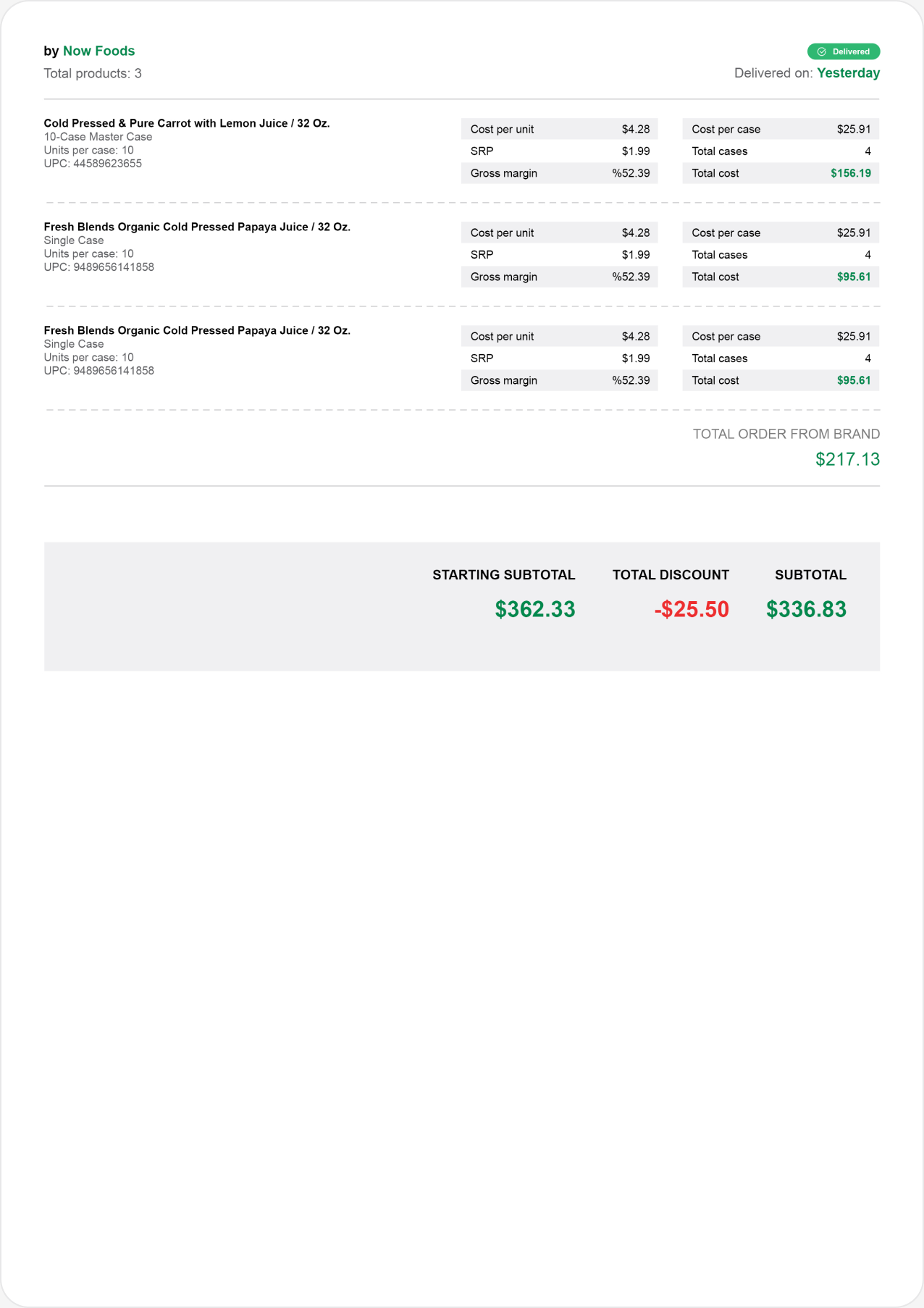
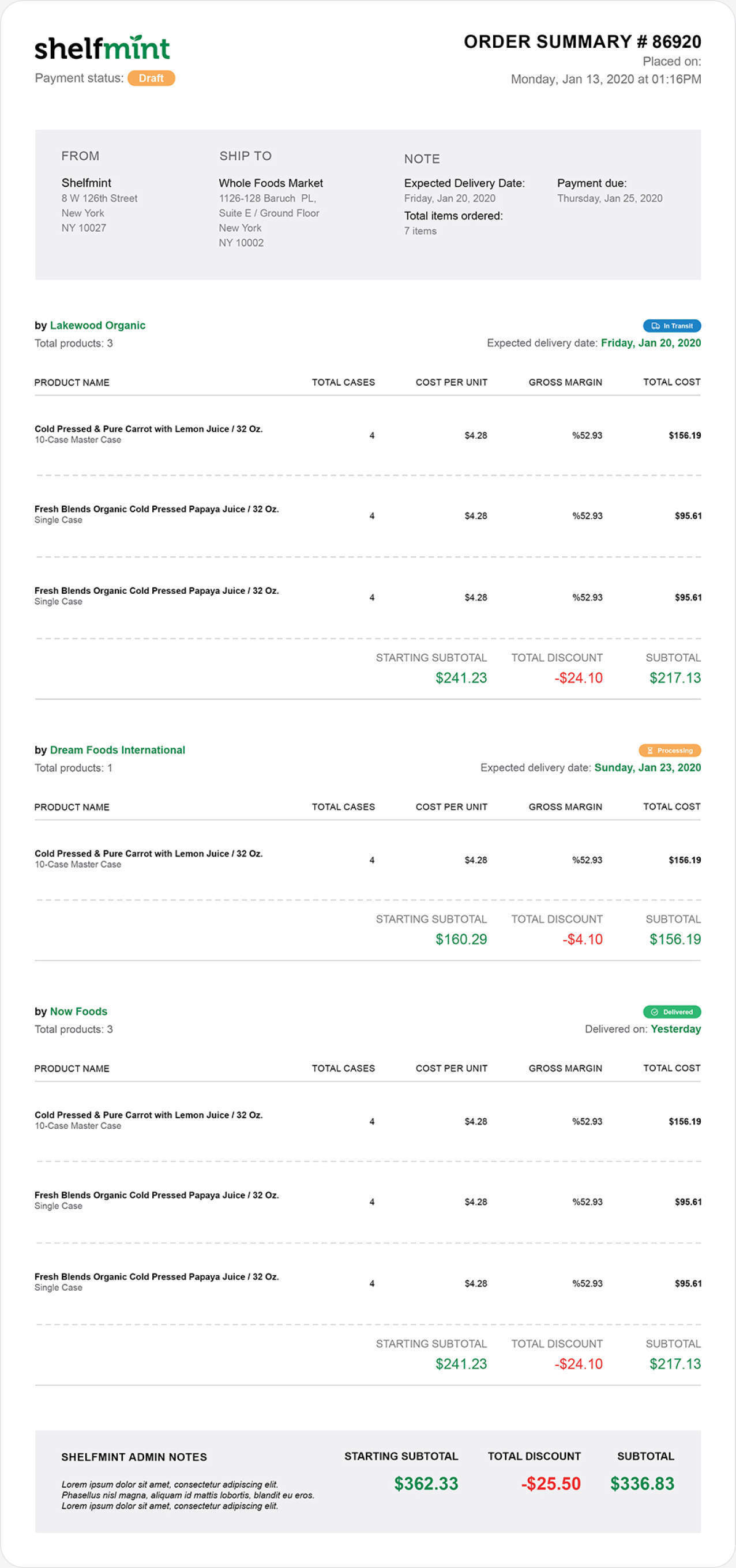
Print-ready paperwork. Every accepted order produces two A4 documents: packing instructions for whoever prepares the boxes, and an order summary that travels with the delivery. Small brands often have no warehouse system, so the paper has to do that job.
Retailer catalog
On the other side of the marketplace is the store owner. The retailer experience covers the whole buying cycle: discovering new brands, ordering from several of them at once, tracking deliveries and keeping the paperwork.
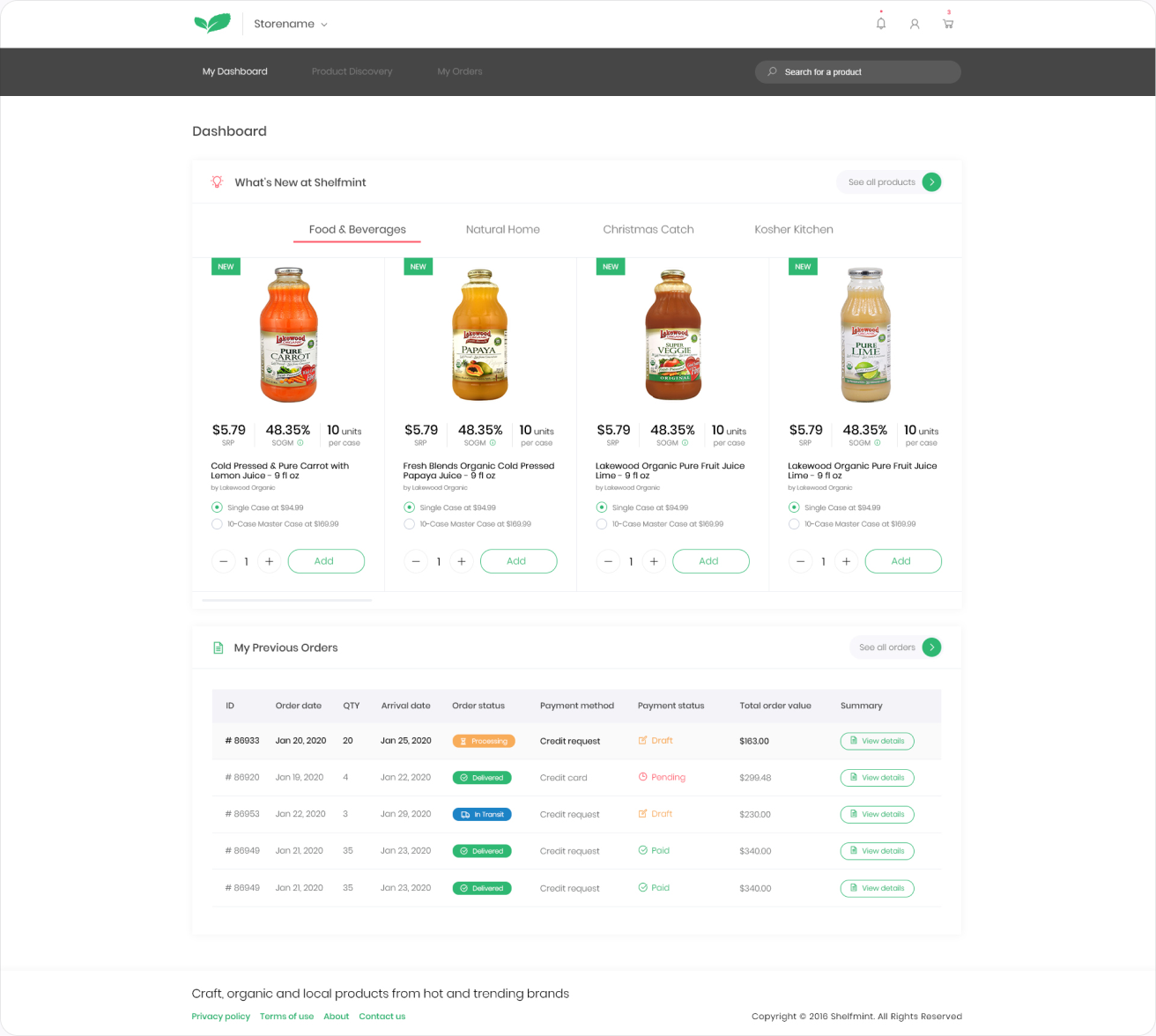
Retailer dashboard. The store owner lands on two things: What's New at Shelfmint, a tabbed row of new products by category, and My Previous Orders with status, payment and arrival date. Every product card shows the suggested retail price, the store's gross margin and units per case, and can be added to an order right there, as a single case or a 10-case master case.
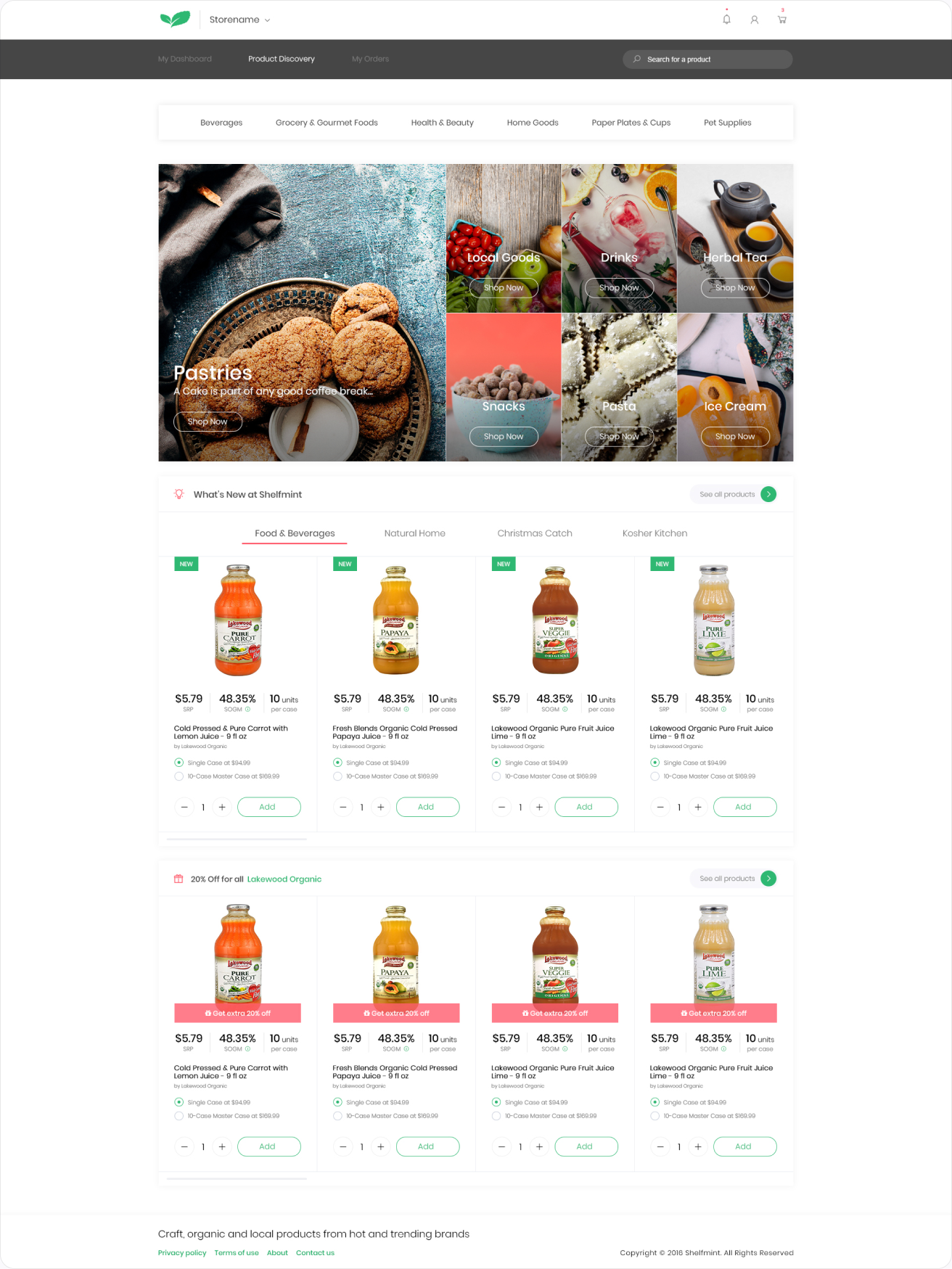
Product discovery. The catalog is built for finding something new. A hero banner for featured brands, then product rows by theme, each card carrying the same retail price, margin and case options as the dashboard so the buying decision never changes shape.
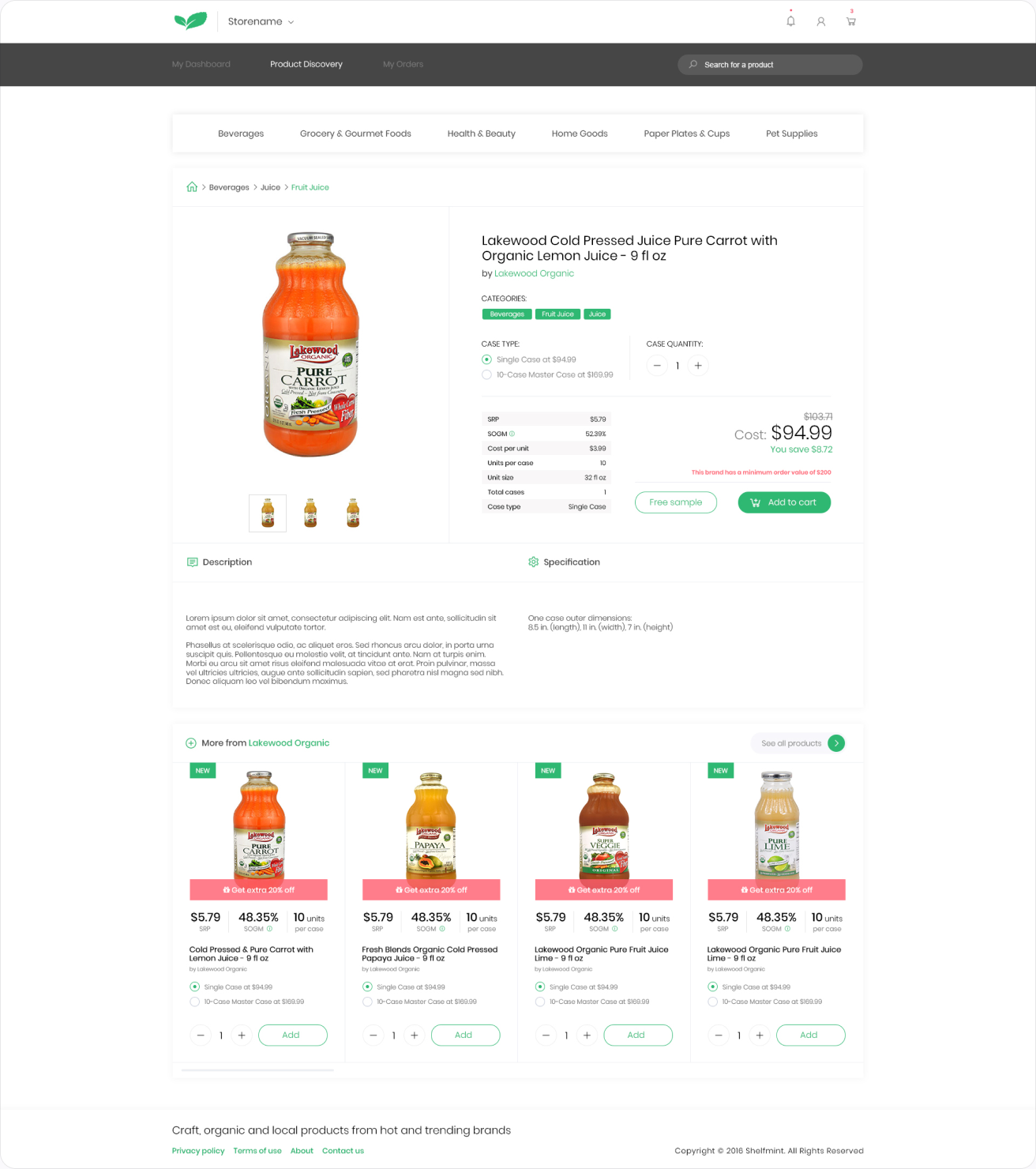
Product page. Everything a buyer needs to decide: case size, wholesale and retail price, the brand behind the product and related items from the same maker, with add to order right next to the price.
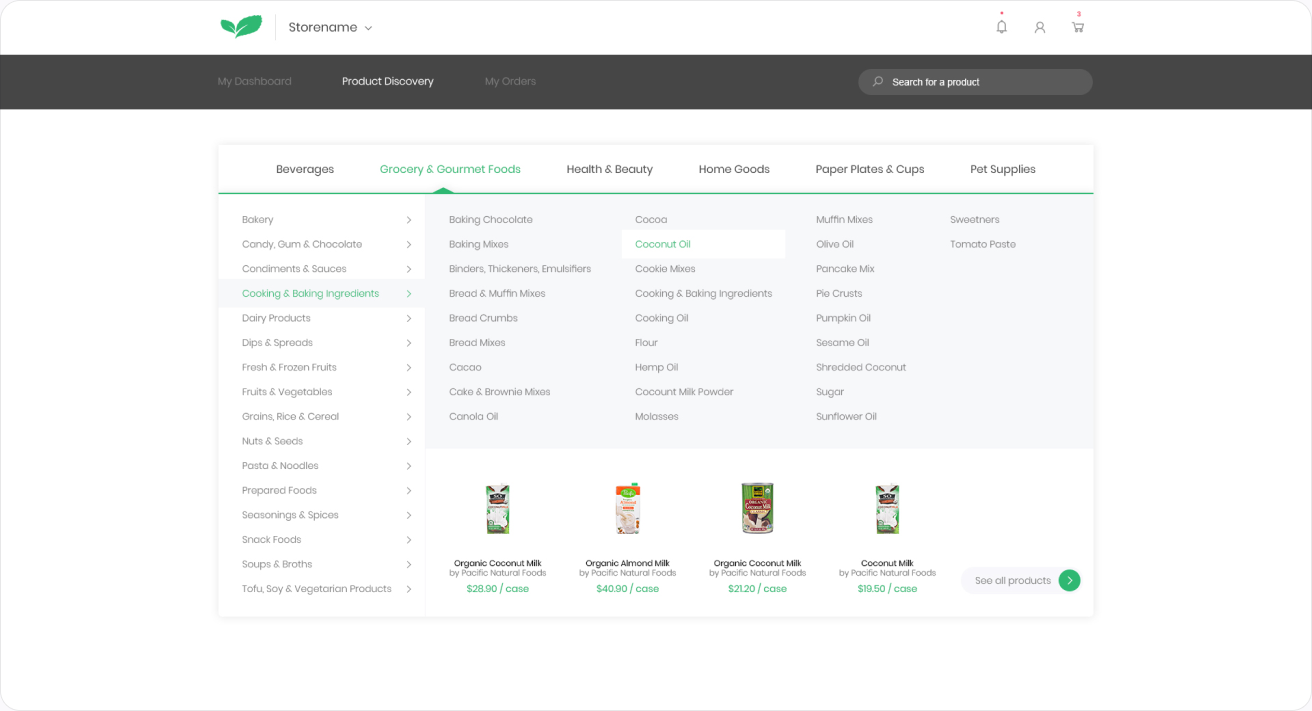
Mega menu. With hundreds of products across many categories, the main menu opens into a full-width panel so retailers can jump straight to a category or a featured brand.
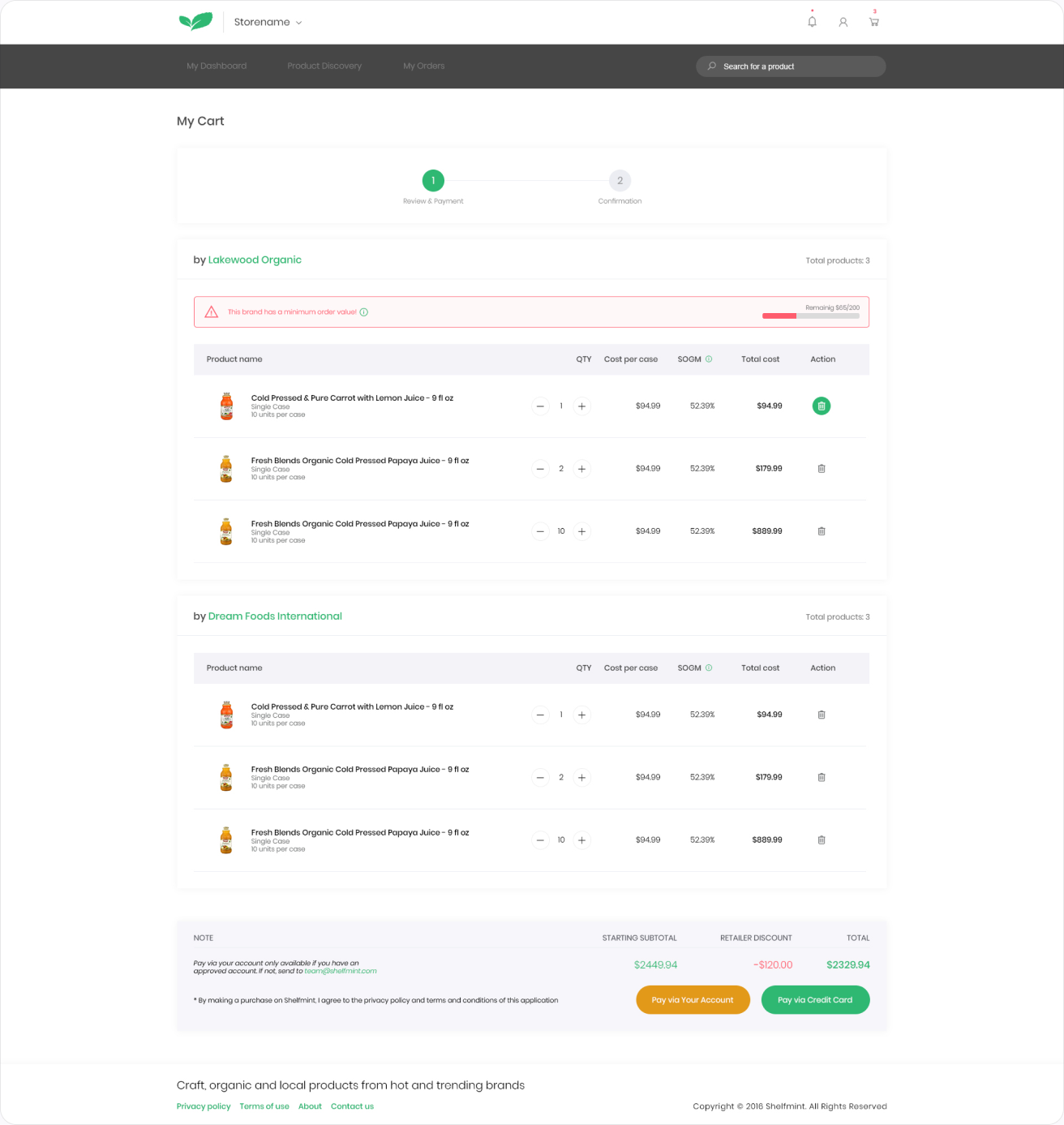
Checkout, review and payment. One checkout for orders from several brands. The buyer reviews items grouped by brand, confirms delivery details and pays once.
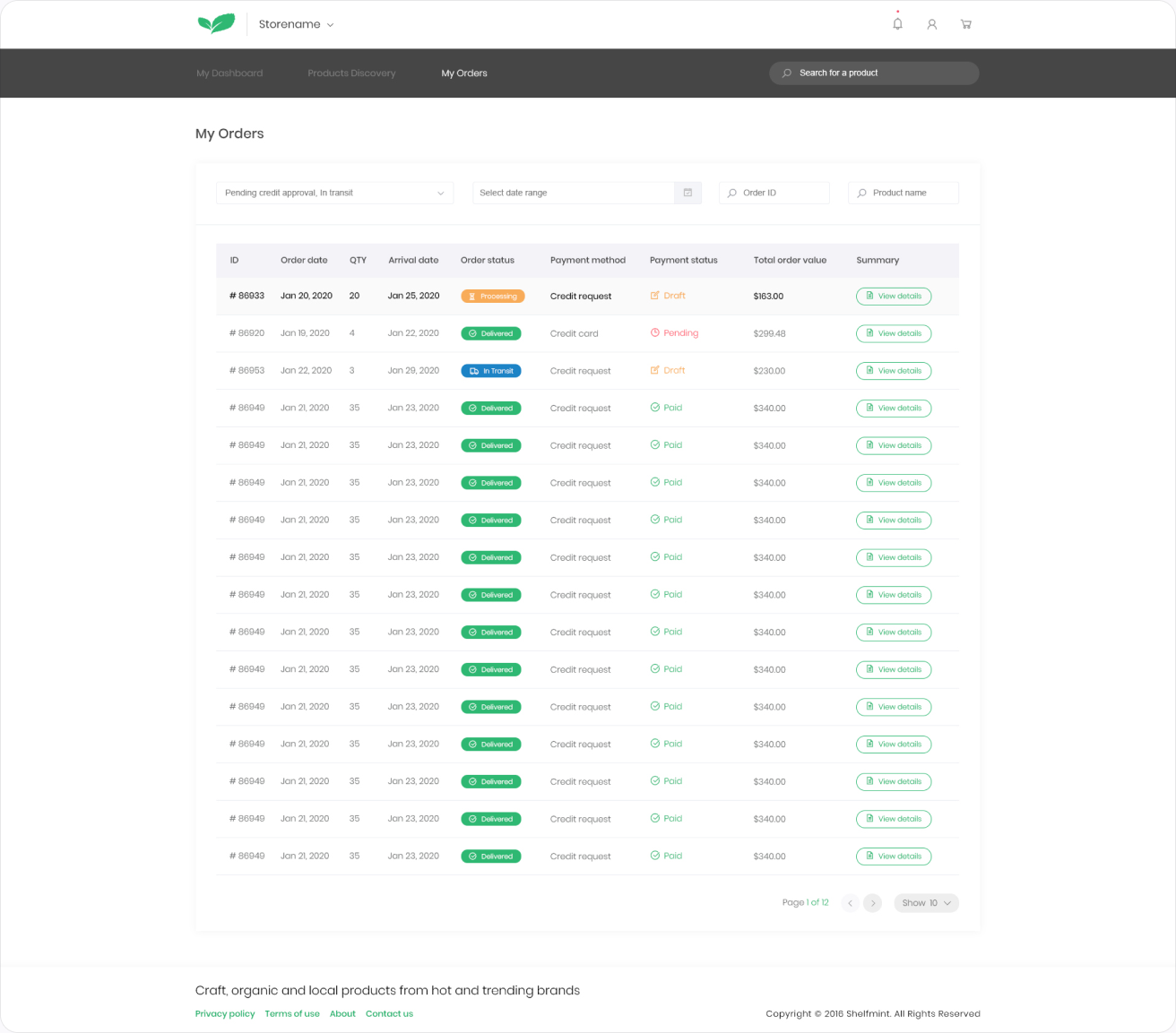
My orders. Every order in one table: order and arrival dates, order status, payment method and payment status. Filters at the top narrow the list by status, date range, order ID or product name, and each row opens a full summary.
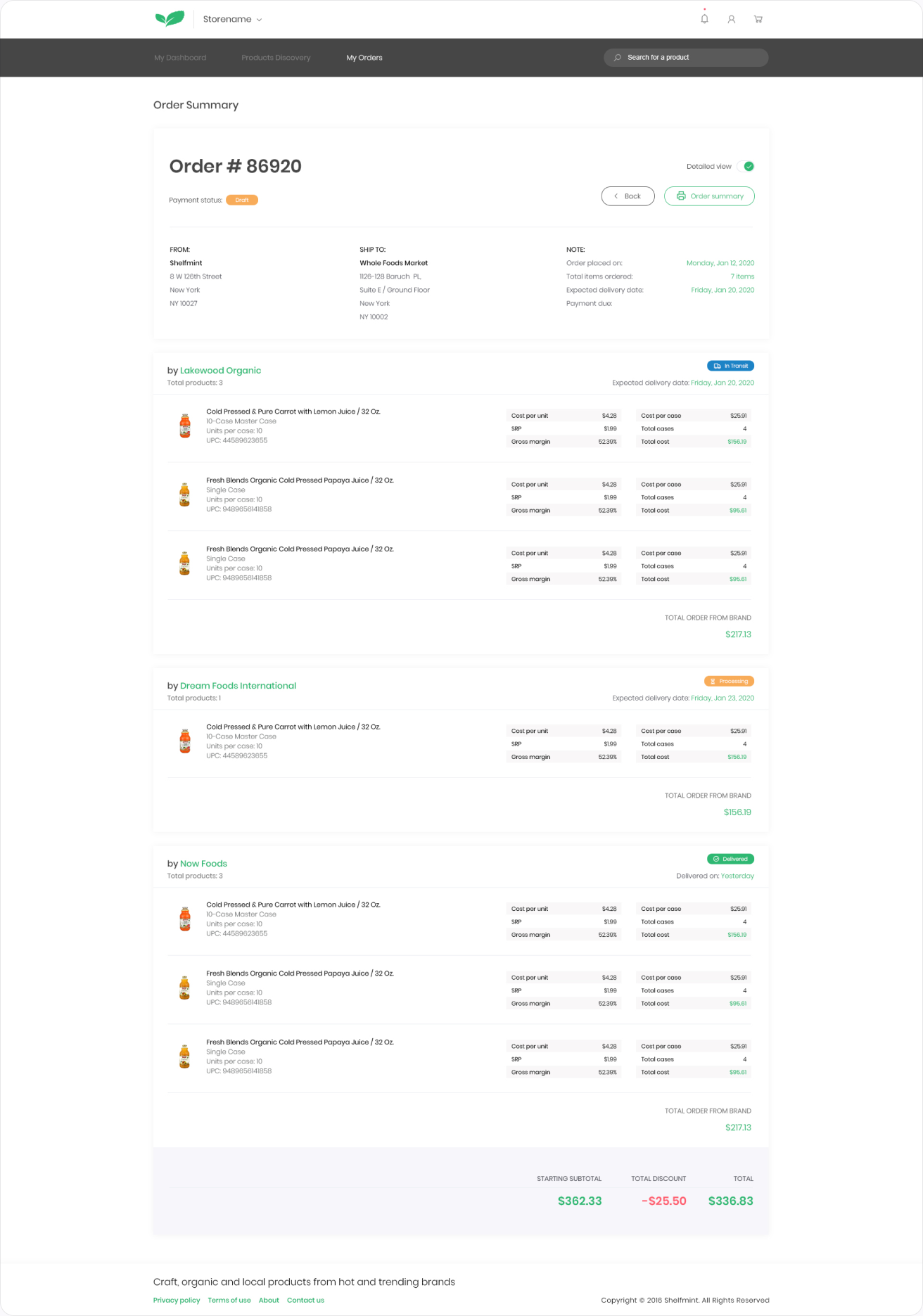
Order summary. A detailed view of a single order, line by line and brand by brand, with quantities, prices and delivery status in one place.
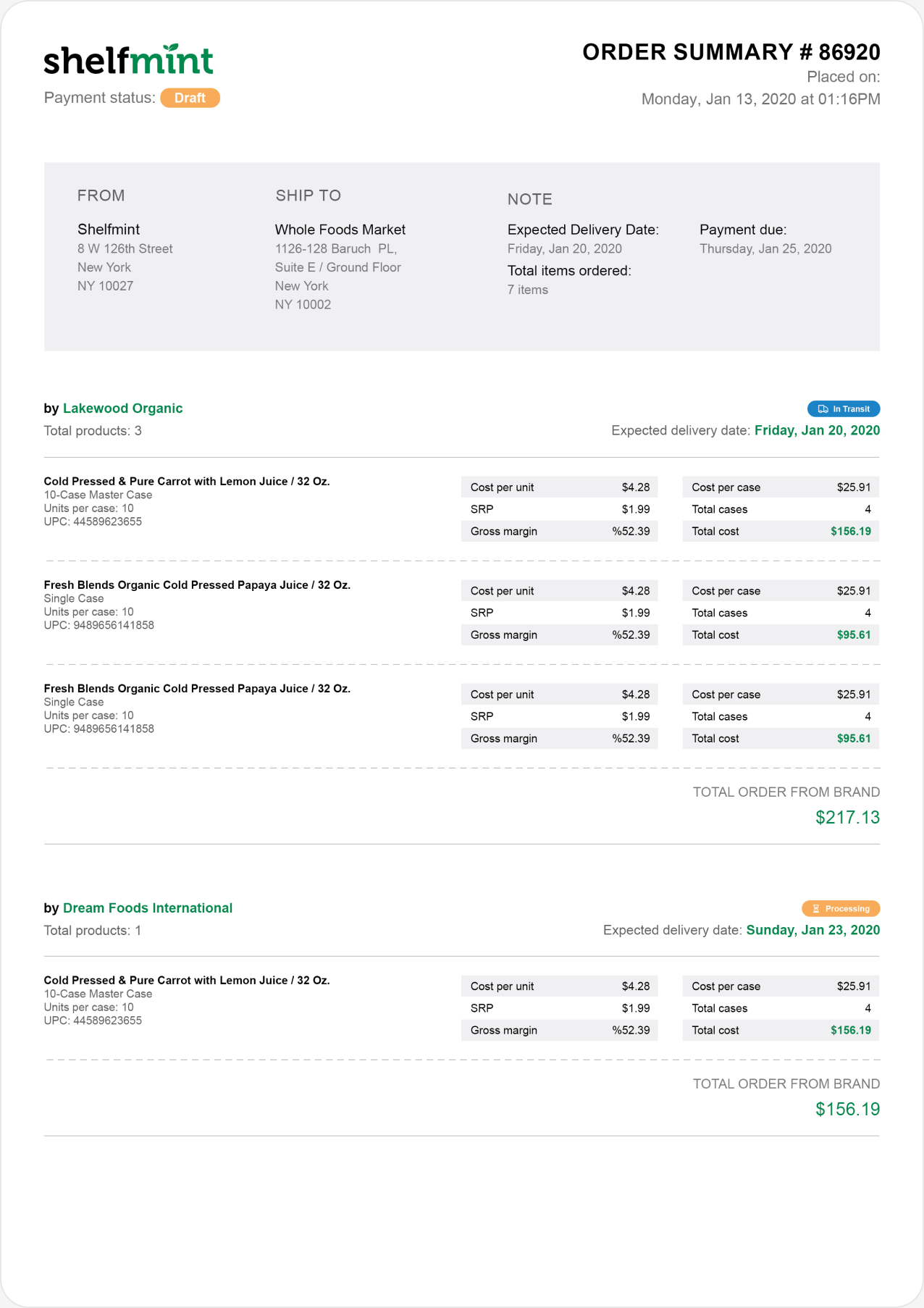
Printable order documents. Many independent stores still check deliveries on paper. Every order can be printed as a detailed two-page summary, or as a compact standard view that fits a clipboard.
Corporate website
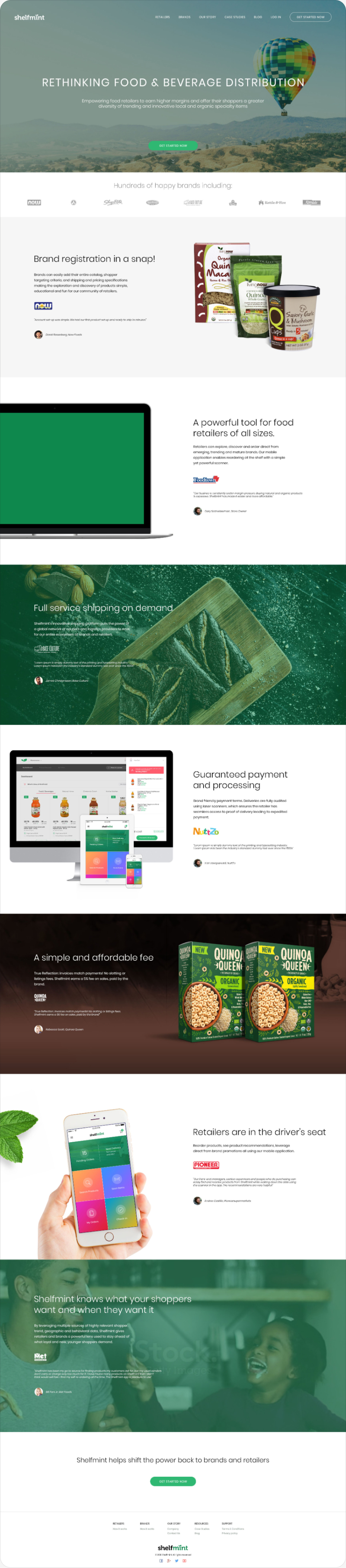
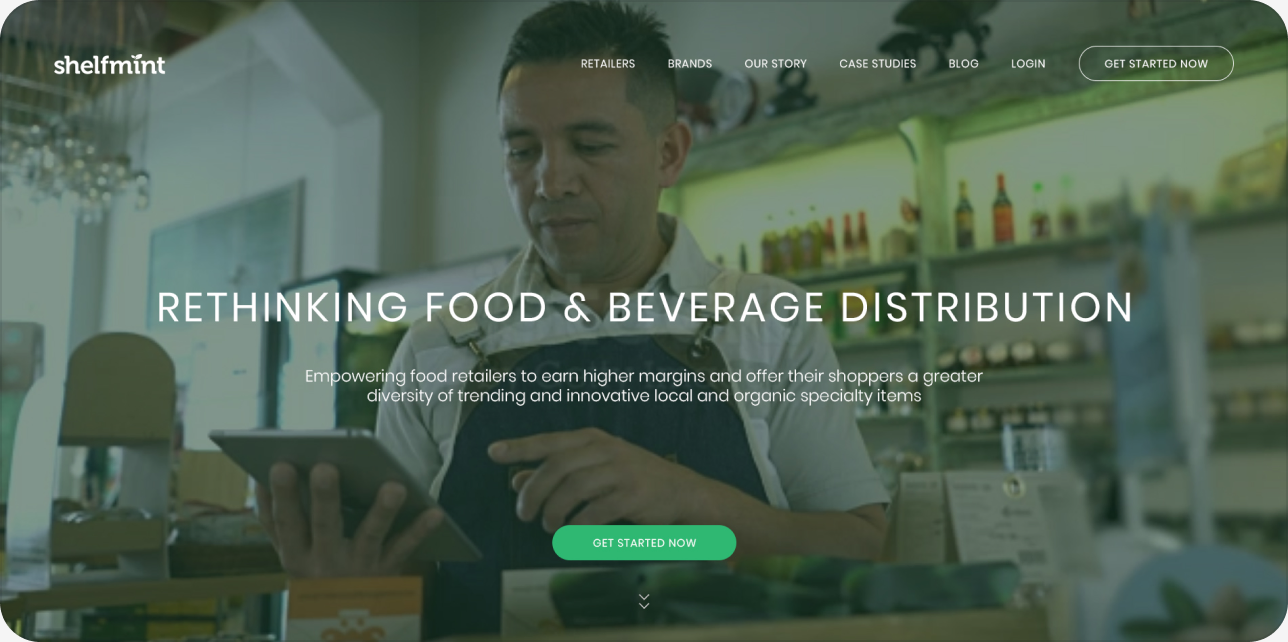
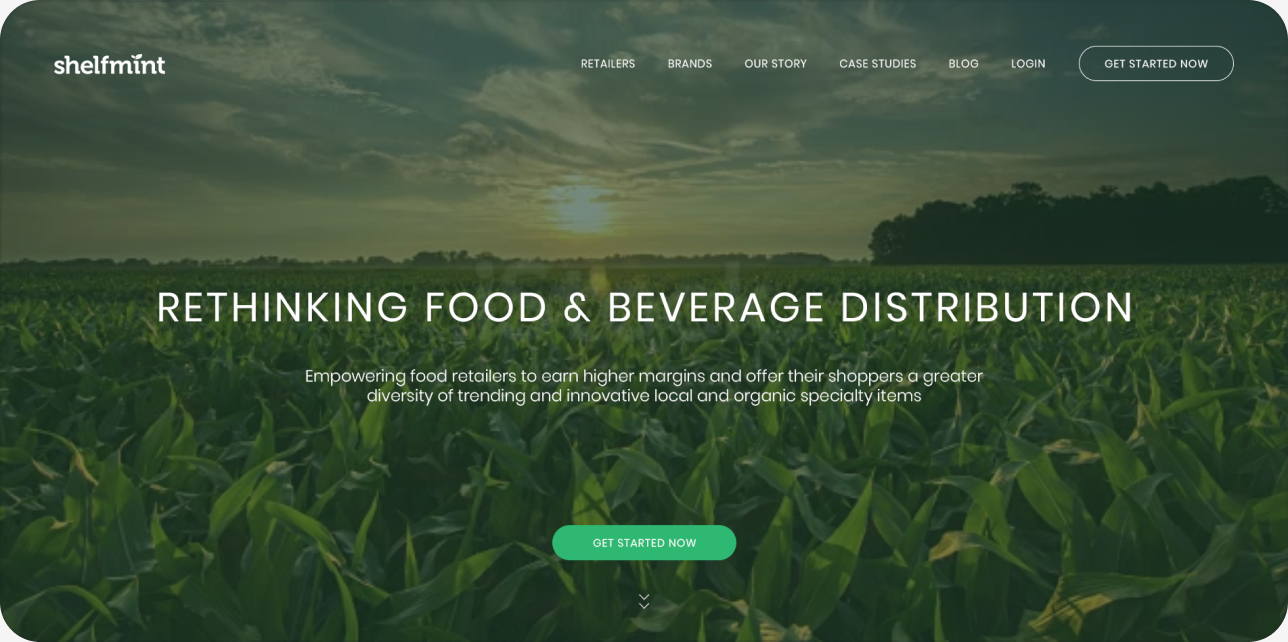
Before a brand or a store ever signs in, they meet Shelfmint on its public website. The headline stayed the same, “Rethinking food & beverage distribution”, while I explored four hero images to find the mood that felt both fresh and trustworthy to food businesses.
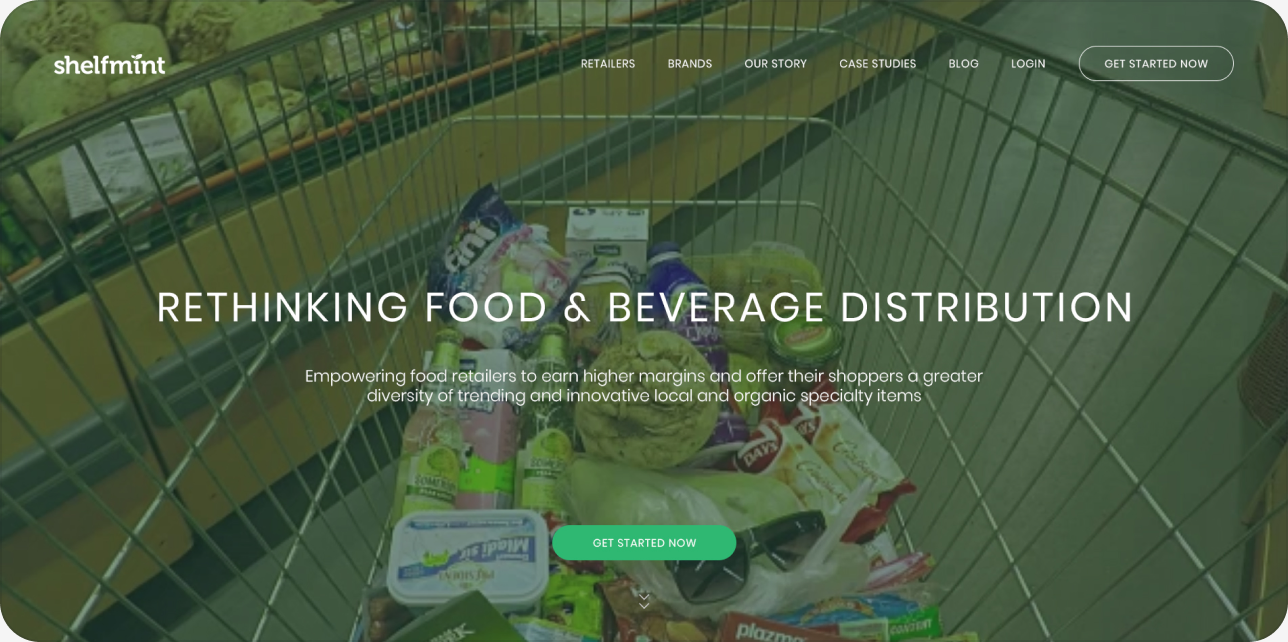
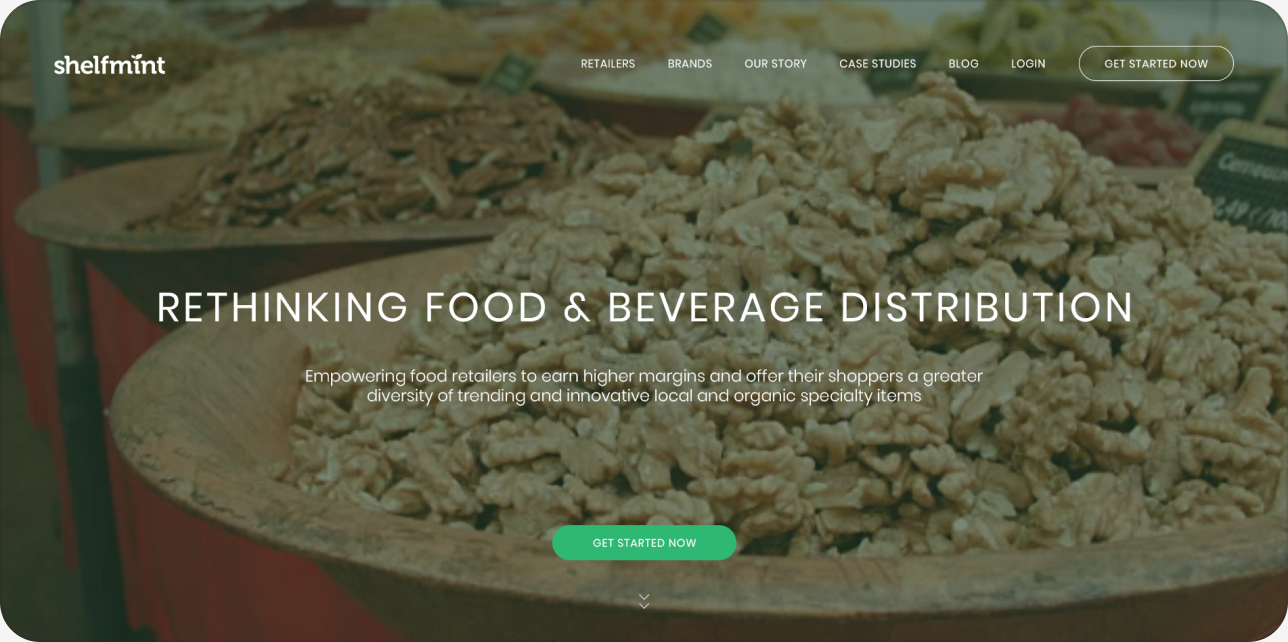
The full home page. The chosen hero is followed by logos of partner brands, then one section per promise: brand registration in a snap, a powerful tool for retailers of all sizes, full-service shipping on demand, guaranteed payment, a simple and affordable fee, retailers in the driver's seat and shopper insights. Each block pairs a product shot with a short testimonial, and the page ends with a single sign-up button.