MoneyTime
MoneyTime is an online delivery platform built end-to-end by the Israeli software company Globalbit. Founded by CEO Haim Berkovits, it was named France’s most promising startup.
Delivery used to mean restaurants and parcels. MoneyTime turned it into a marketplace of “missions”: anything a customer needs, picked up and delivered by someone nearby who has time to spare.
Three sides, one product. Customers order missions, Timers (independent couriers) accept and deliver them, and local shops sell through the platform. Each side got its own interface, built on one shared design language so the experience feels the same from order to doorstep.
Promo website
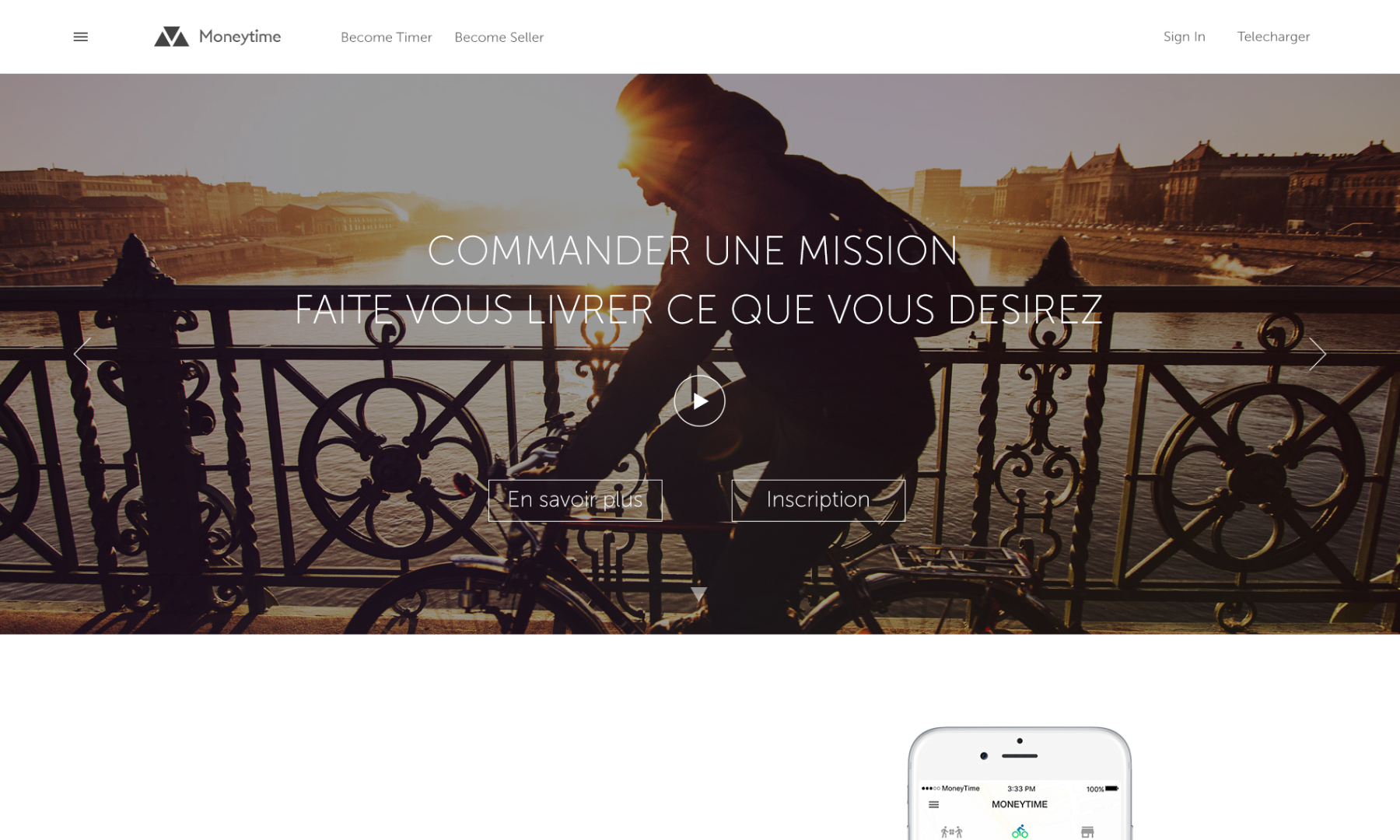
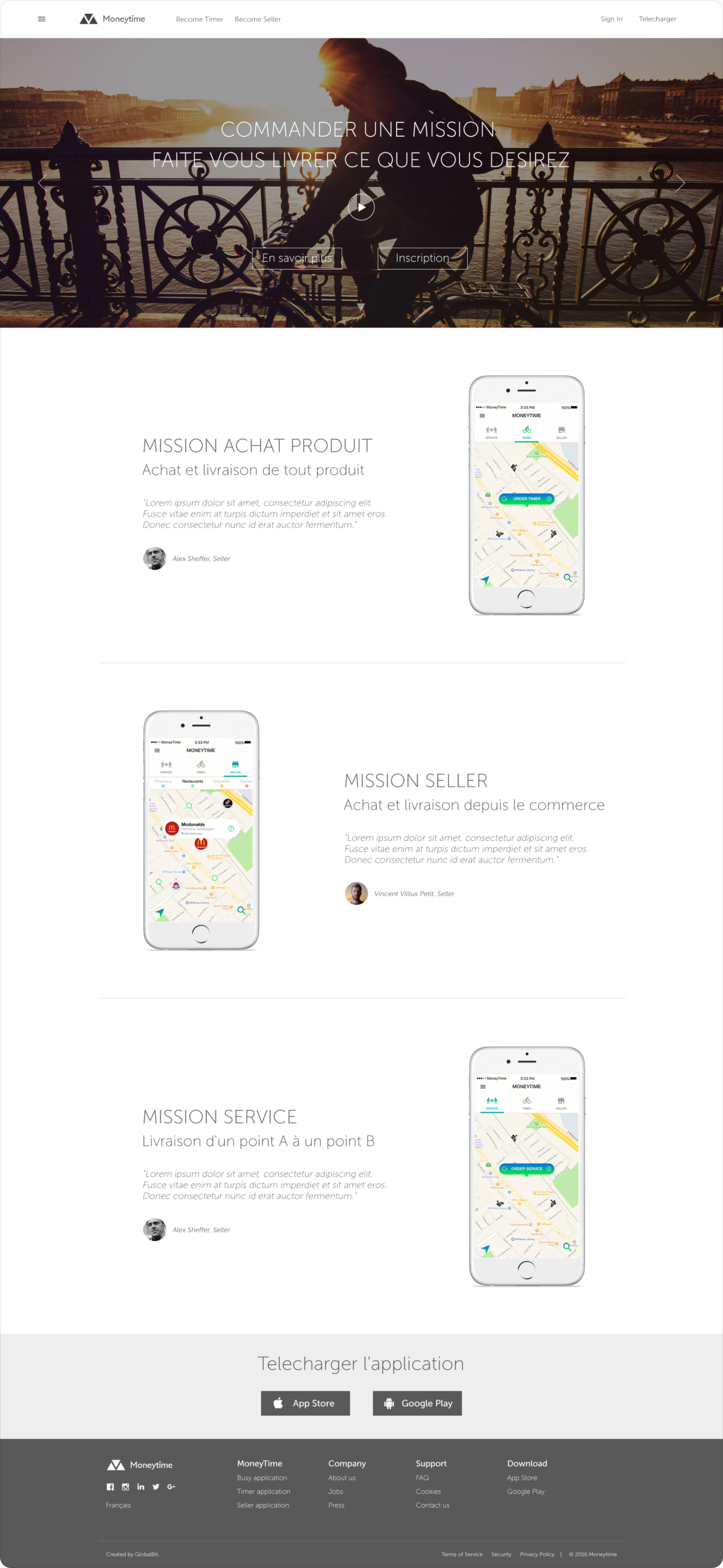
The public website introduces the idea in one line, “order a mission, get whatever you want delivered”, and then explains the three ways to use it.
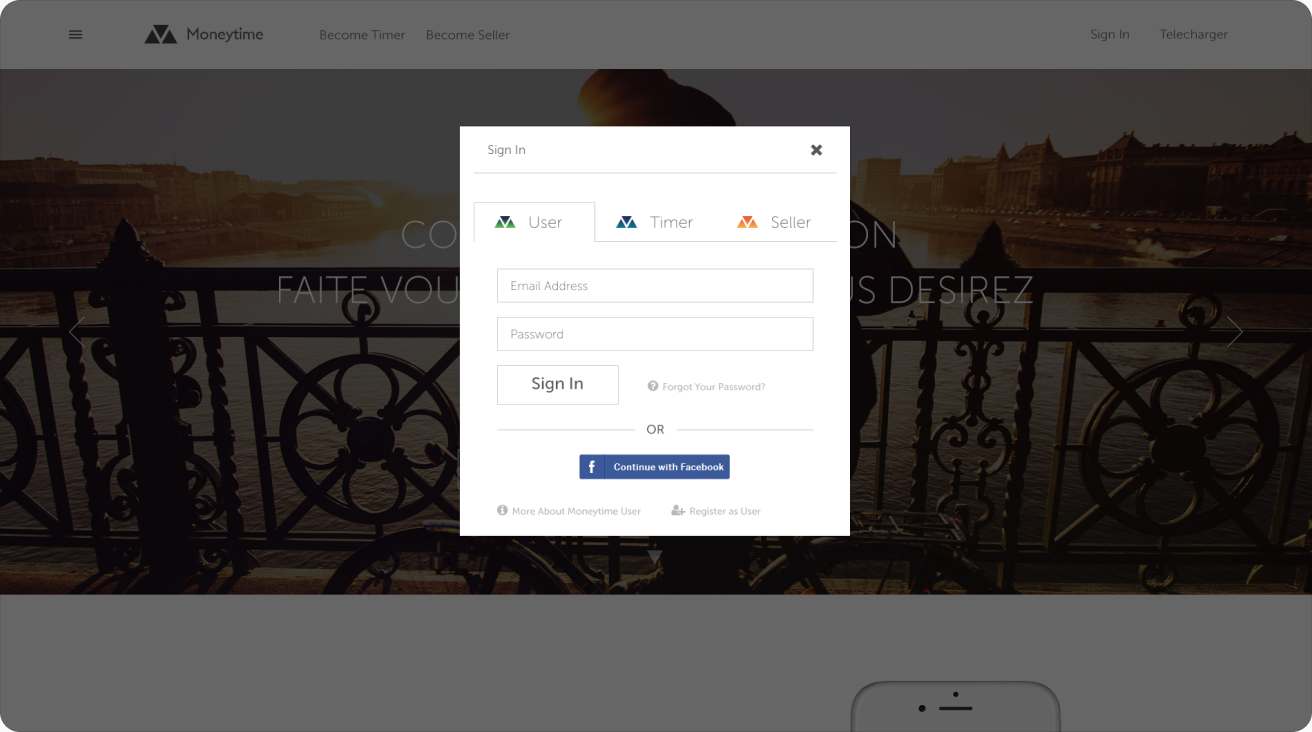
Sign in. One sign-in window for everyone, with tabs for User, Timer and Seller, so each person lands in the right product from the very first click.
Home page. A full-width video hero, then the three mission types (buy a product, order from a shop, deliver from A to B), each with an app screen and a short testimonial, and links to download the app.
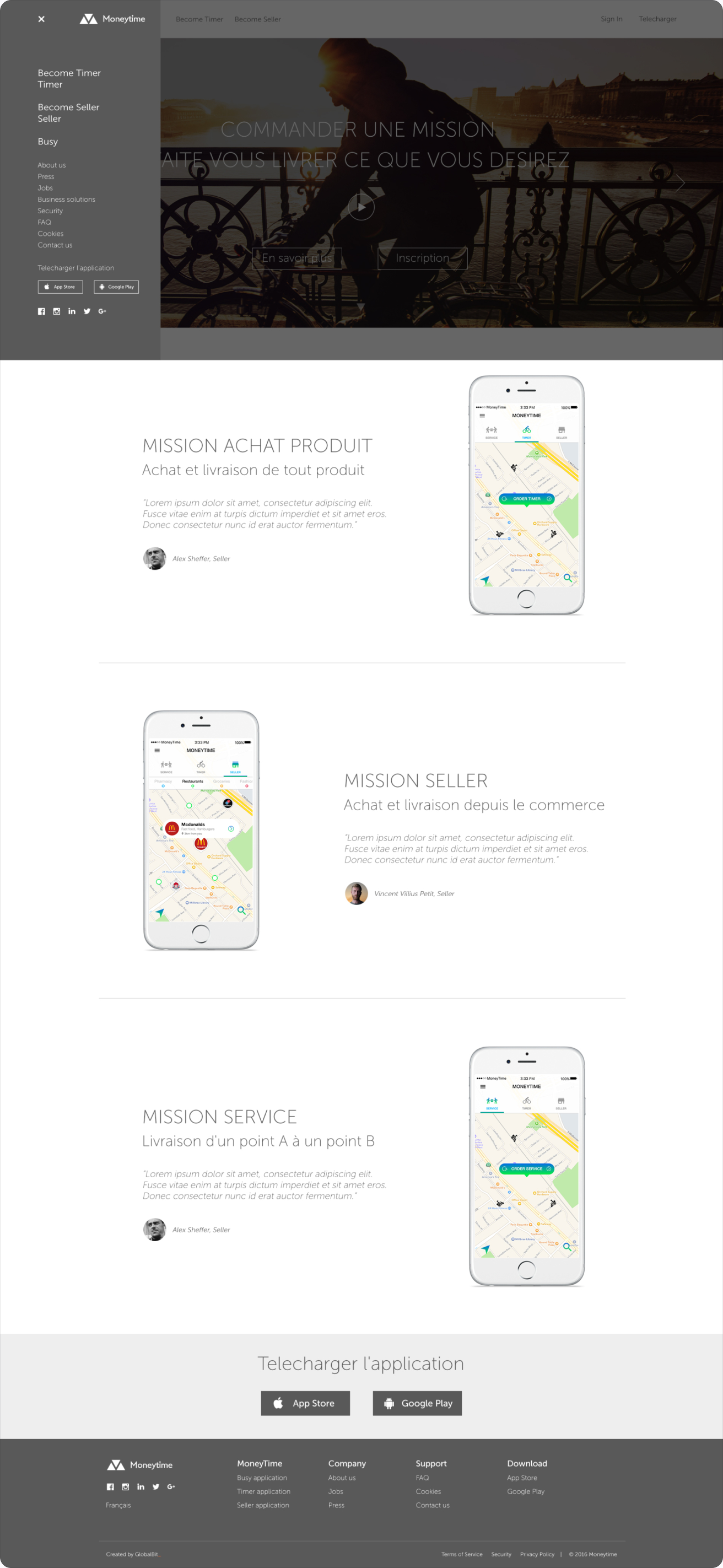
Side menu. The burger menu opens a side panel with every route into the product: becoming a Timer or a Seller, the apps, help and language.
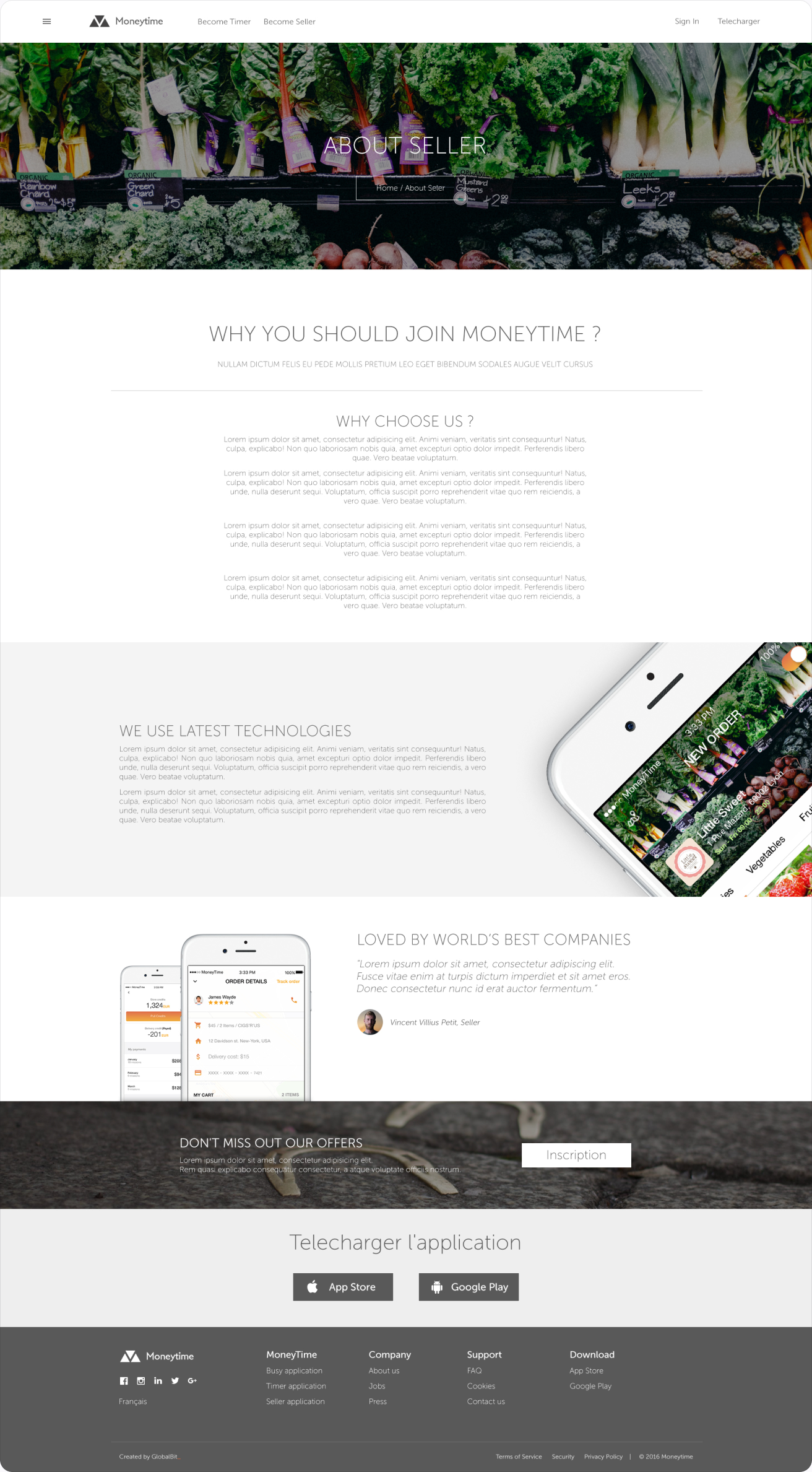
About for sellers. A landing page that sells the platform to shop owners: how orders arrive, how Timers pick up and deliver, and how to join.
Timer
Timers are the people who deliver. Their web app focuses on two things: getting started quickly and keeping a clear record of every completed mission and payout.
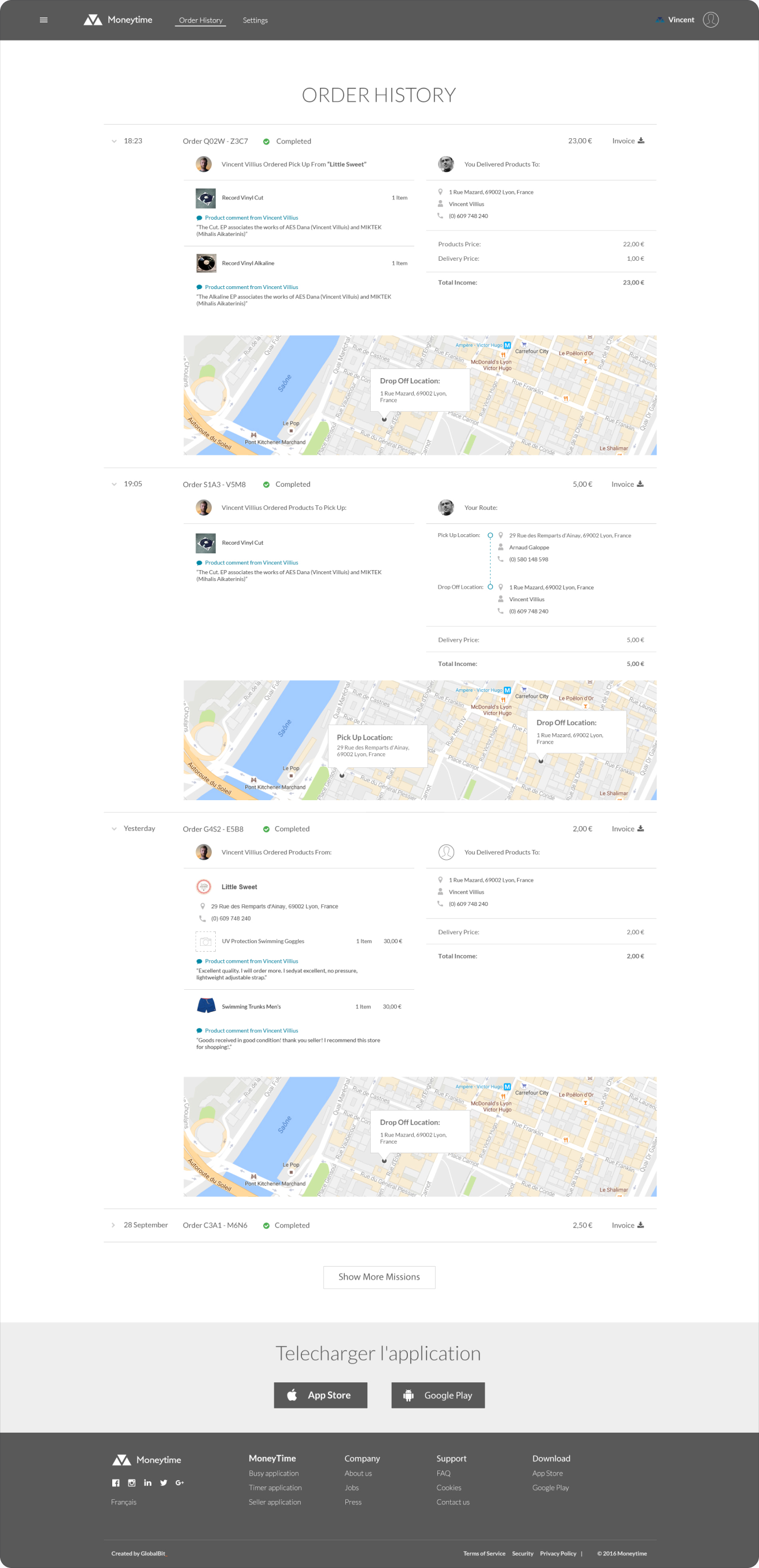
Order history. Every mission as an expandable card: what was picked up, who it was delivered to, the route on a map, the customer’s comments and the income from each delivery, with an invoice one click away.
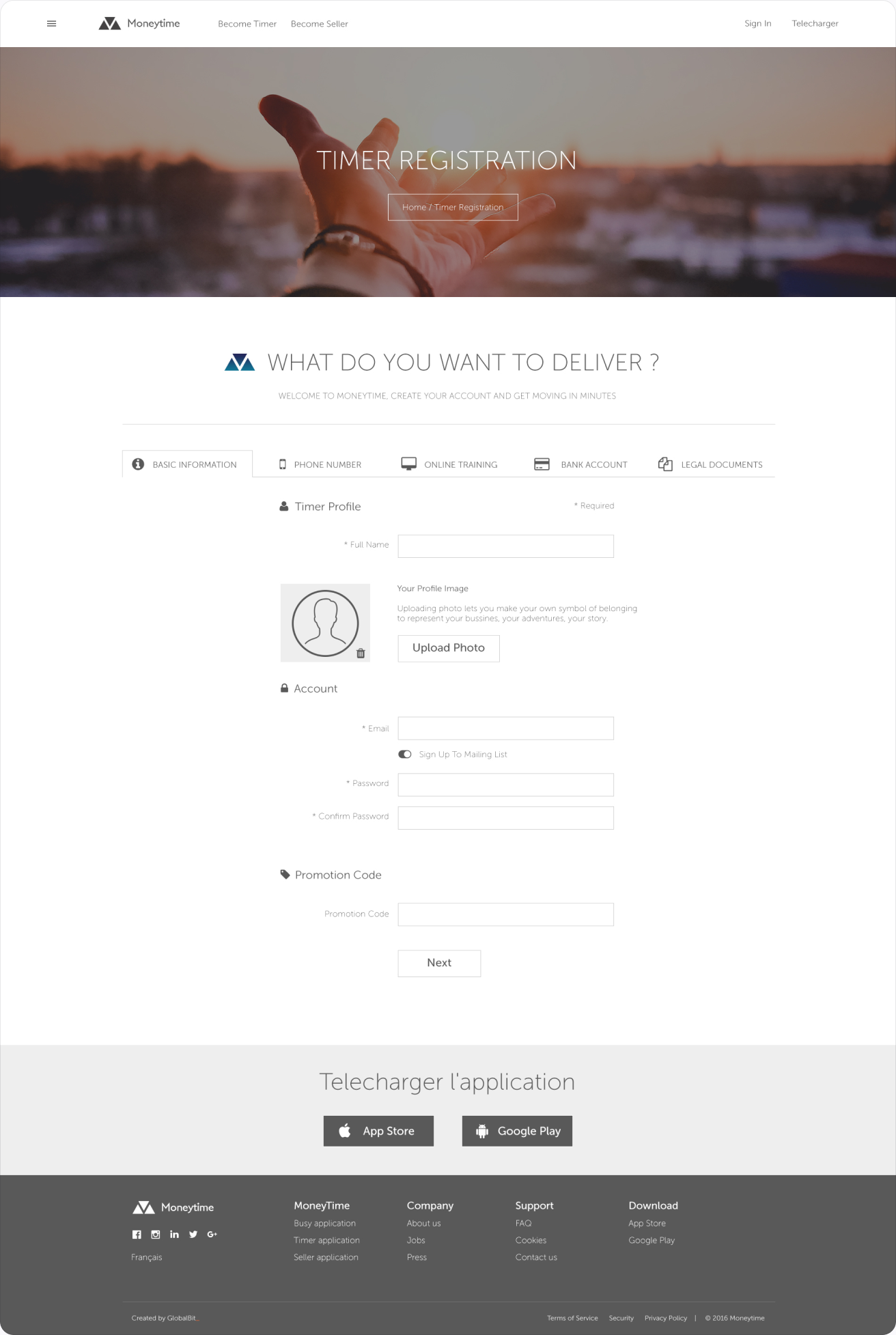
Registration. A single-page sign-up that collects personal details, documents and payment information in clear steps, so a new Timer can start taking missions the same day.
Seller
Shop owners manage everything from one dashboard: incoming orders, the store, products, billing and opening hours.
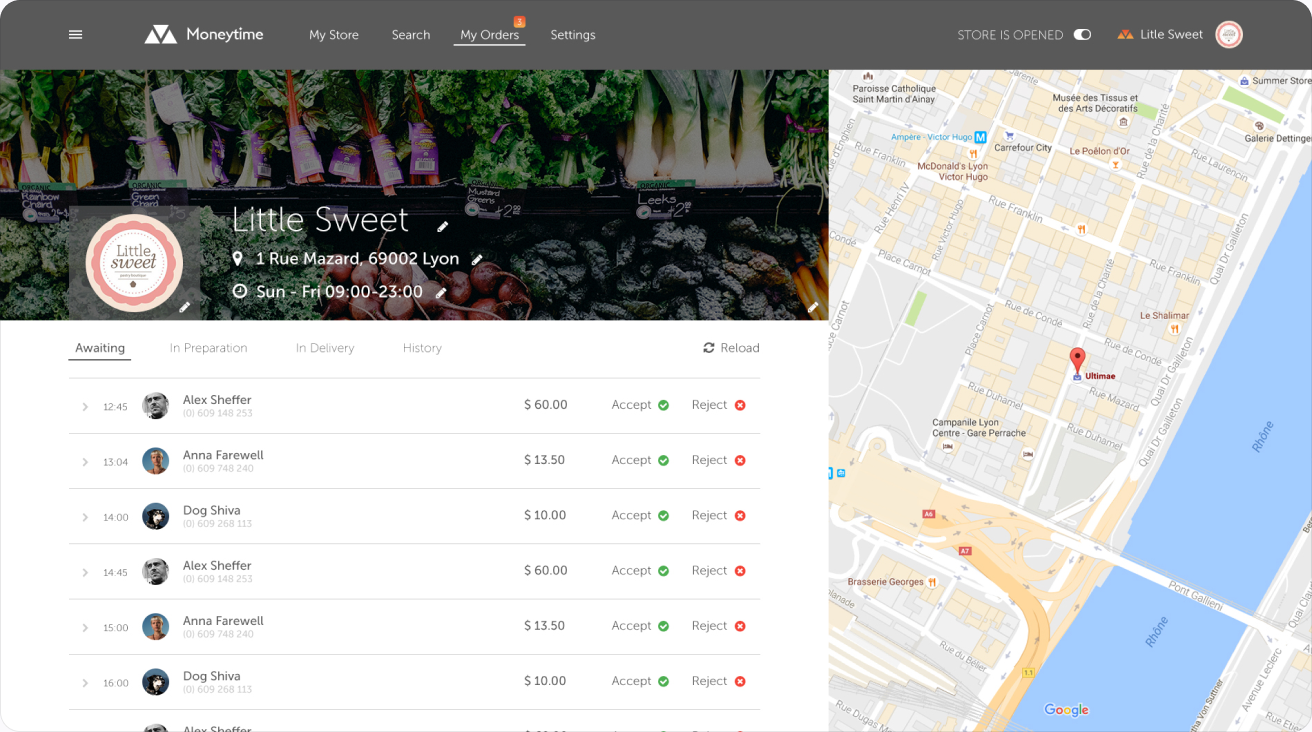
Orders. Incoming orders split into Awaiting, In preparation, In delivery and History, each with accept and reject actions, and a live map beside the list. A switch in the header opens or closes the store.
Store, scrolled. The store front as customers see it, with a compact sticky header once the seller scrolls into the products.
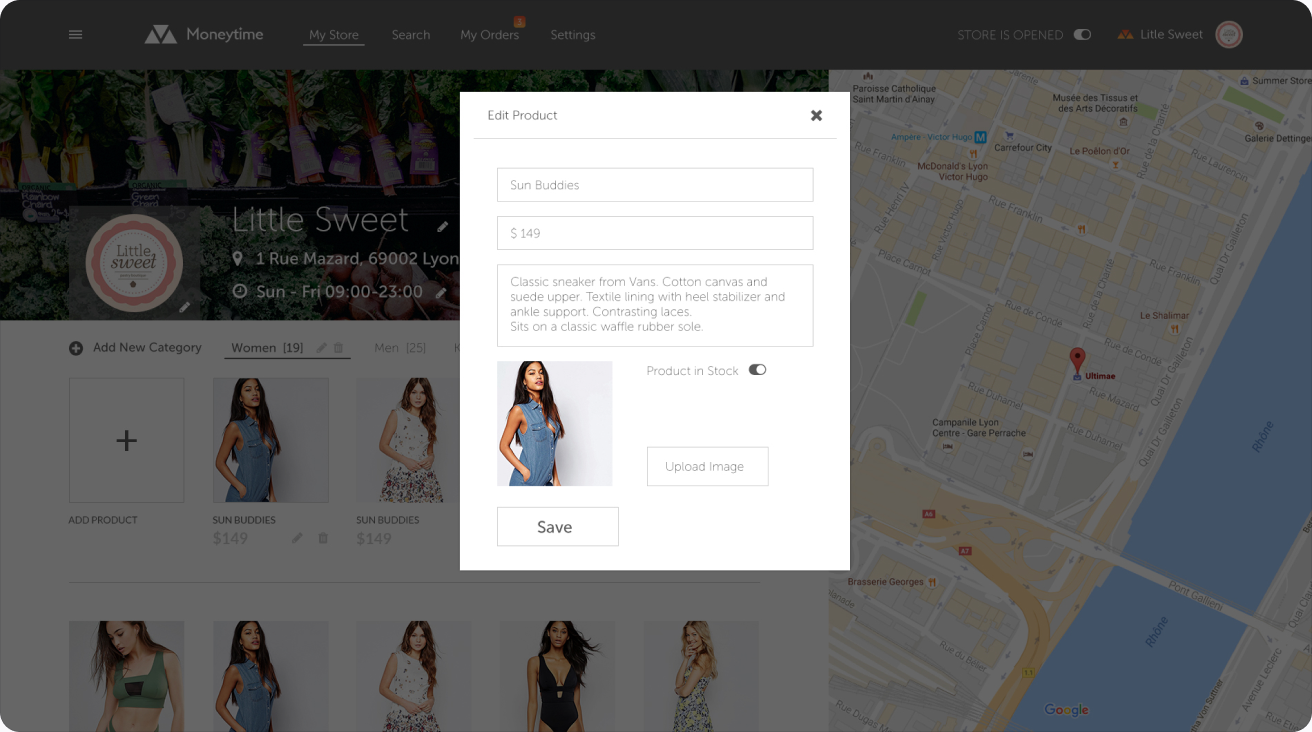
Edit product. Products are edited in place: name, price, photo and description, without leaving the store view.
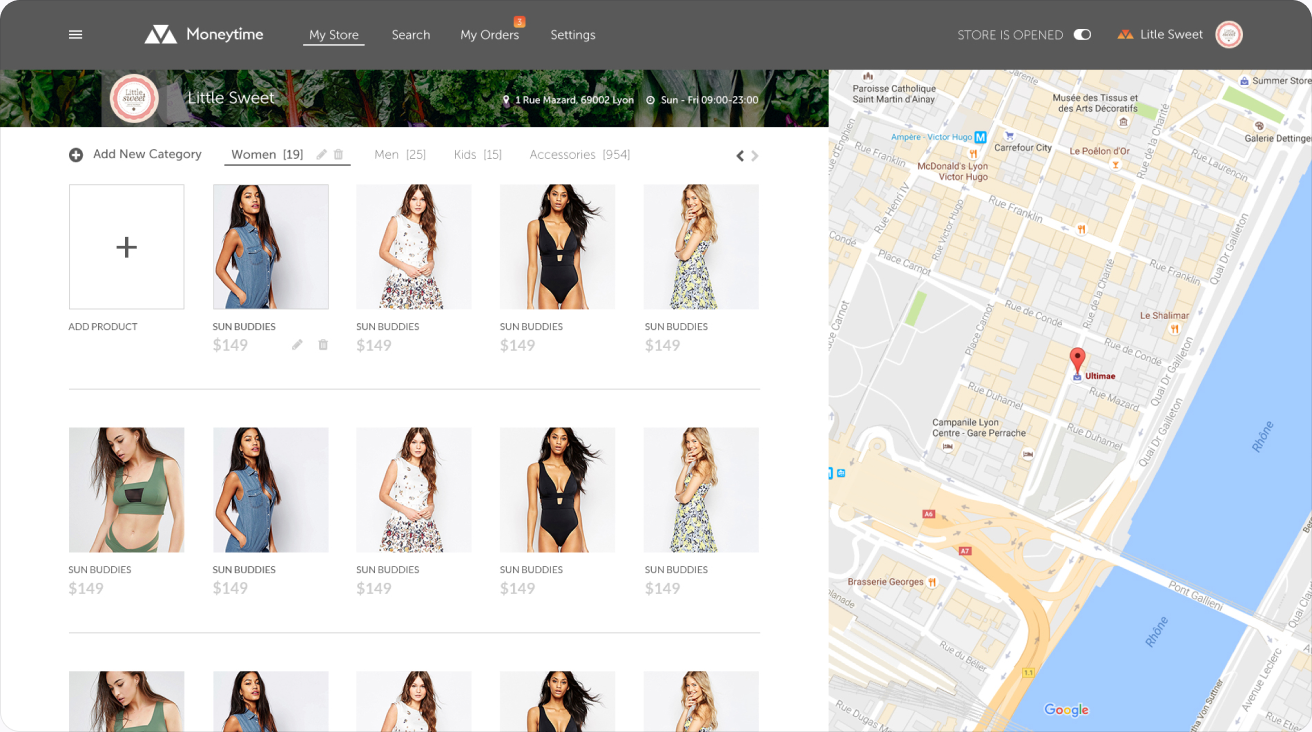
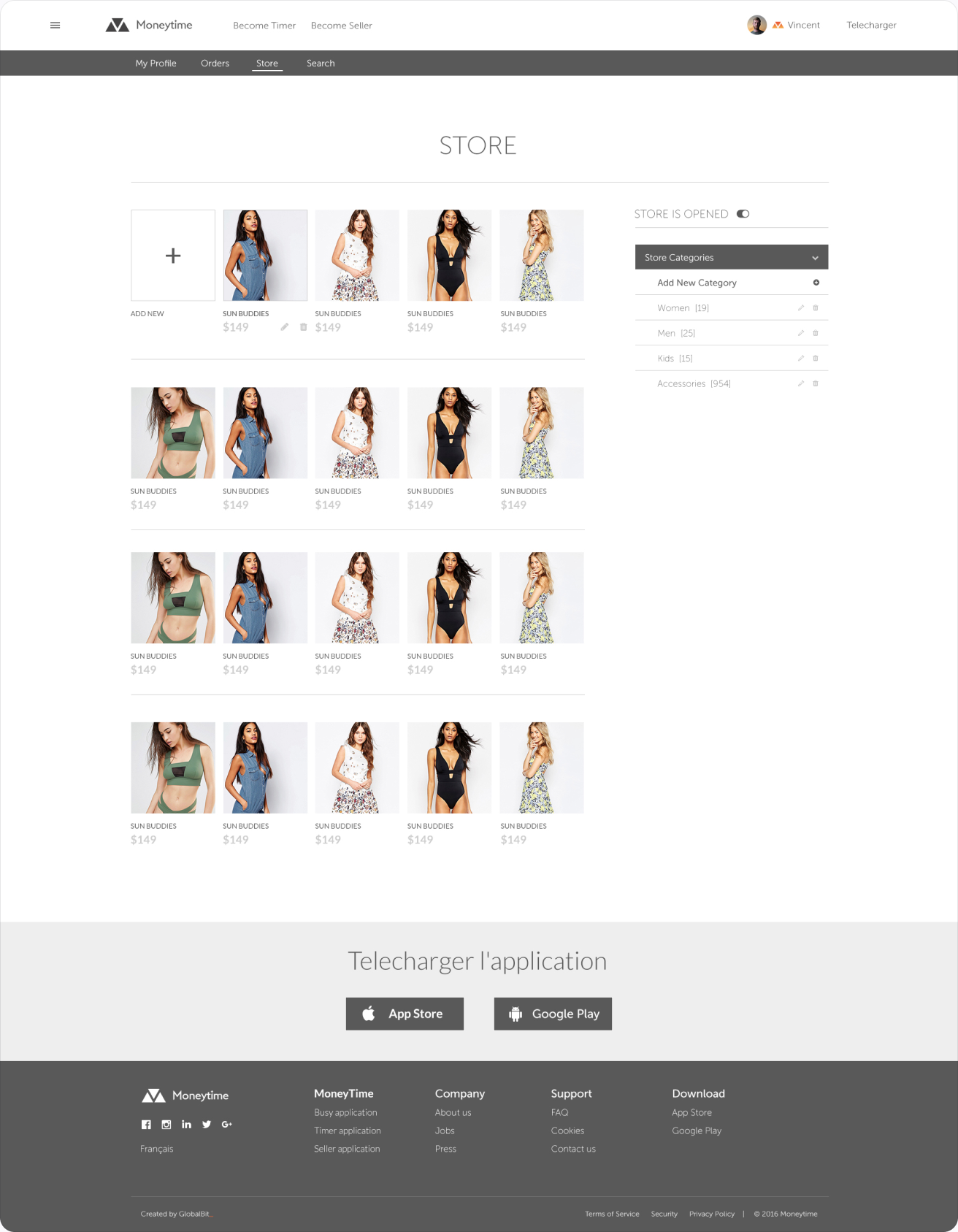
Store. The full store page with cover photo, address, opening hours and the product catalog by category.
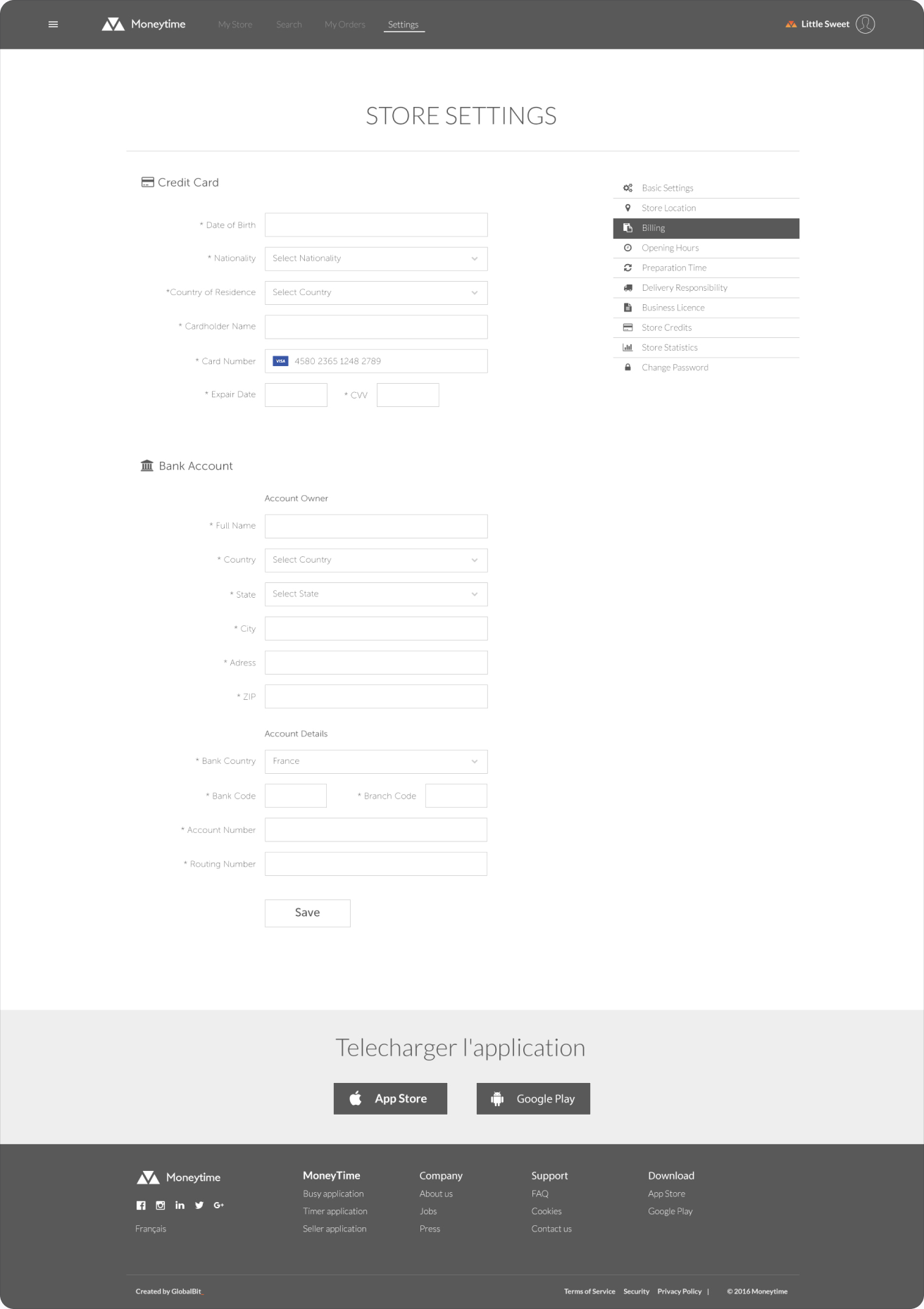
Billing. Payout details and invoices in the seller profile, so shops always know what they earned and when it will be paid.
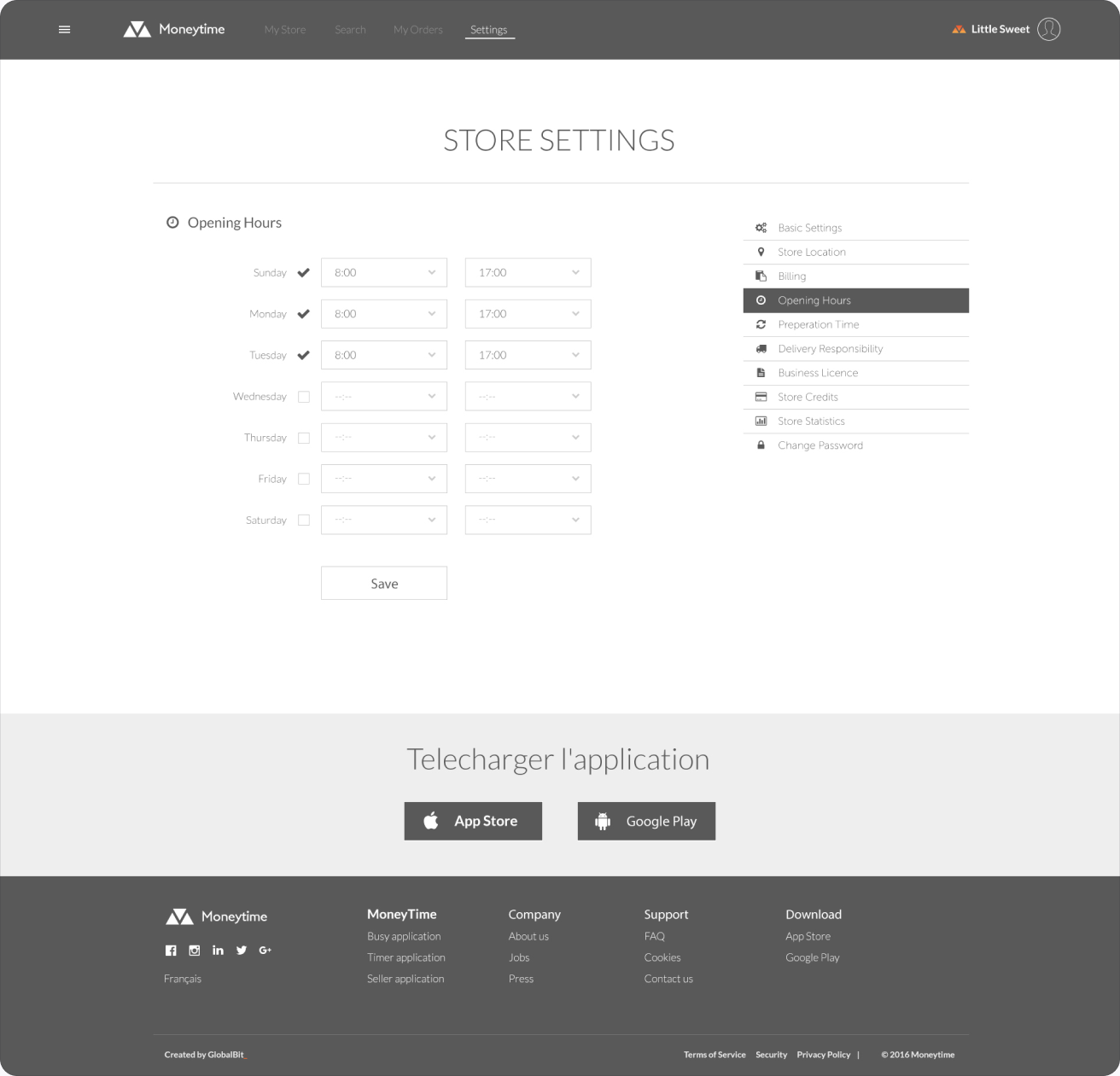
Opening hours. A weekly schedule with simple day-by-day ranges; customers only see the shop when it is actually open.
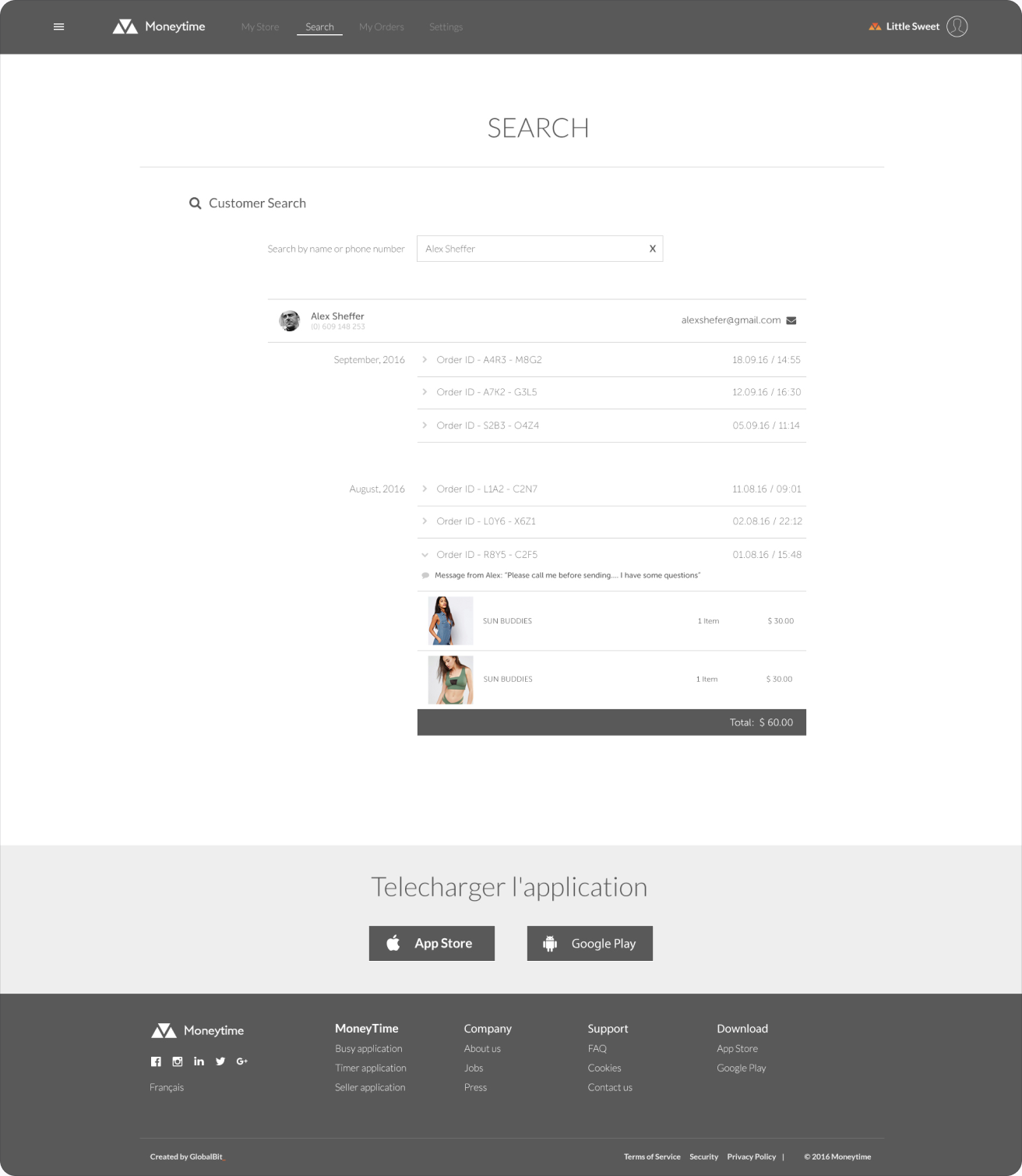
Search. Search across the seller’s own catalog and orders, with results grouped and highlighted as you type.
Emails
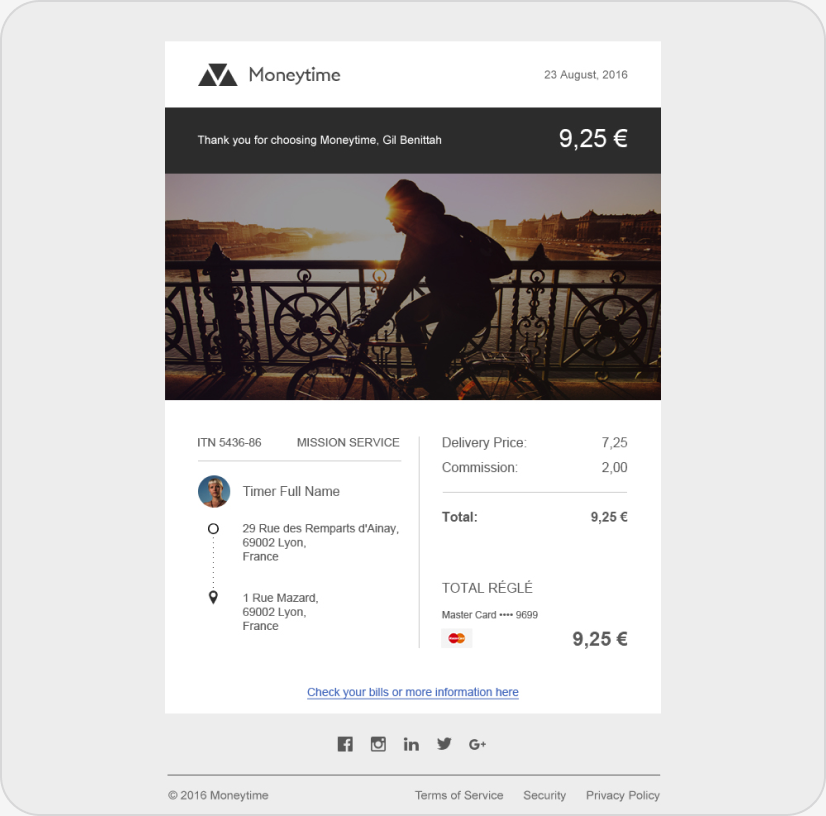
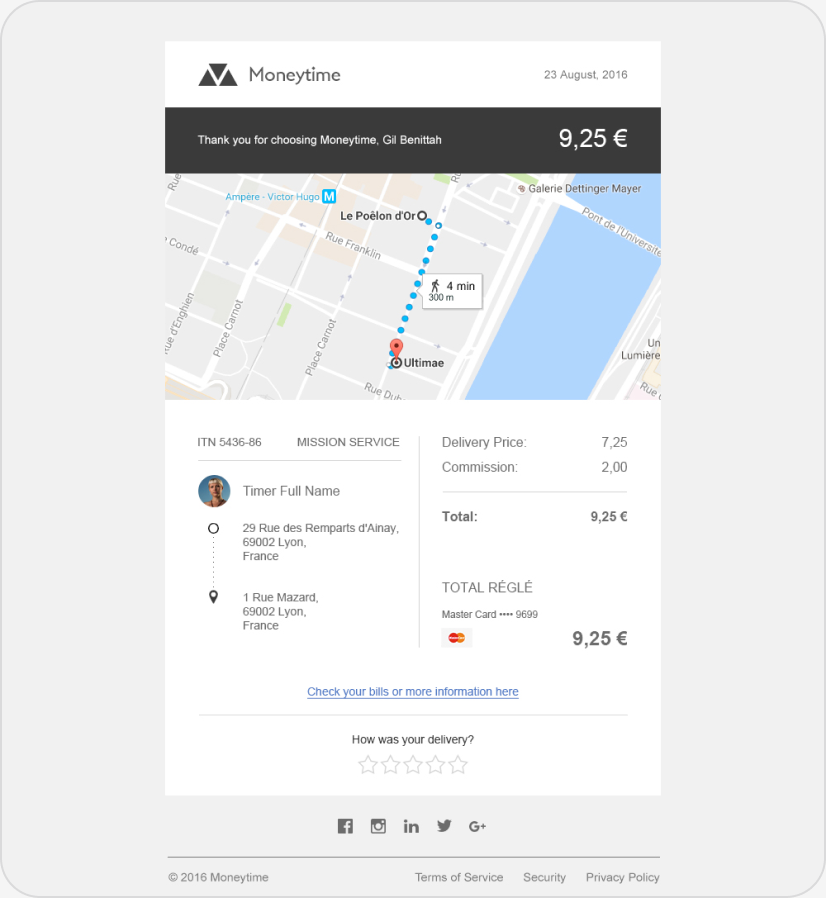
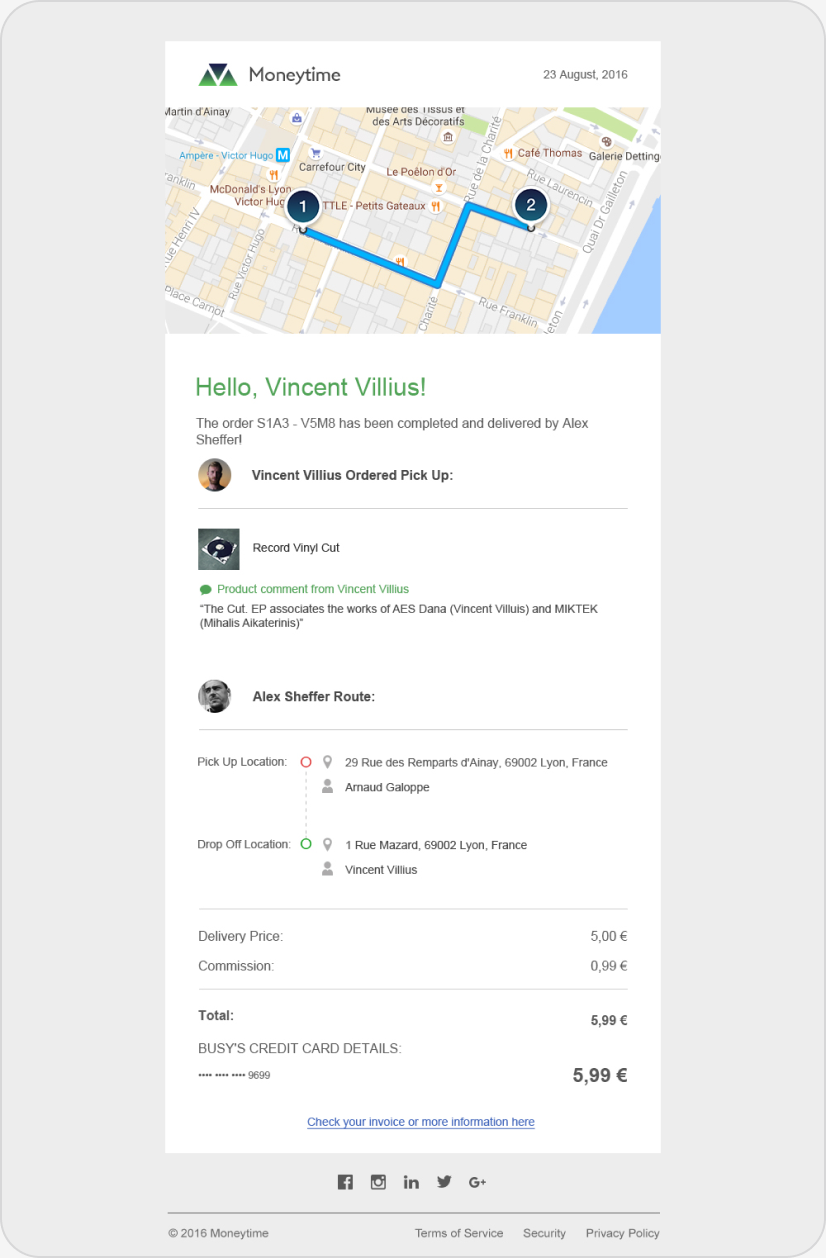
Every order ends in the inbox. The transactional emails share the product’s look so receipts and updates feel like part of the same experience.
Invoices and order updates. Two versions of the service invoice sent to users, and the completion email sent when an order is delivered: order number, items, route, totals and clear next steps.